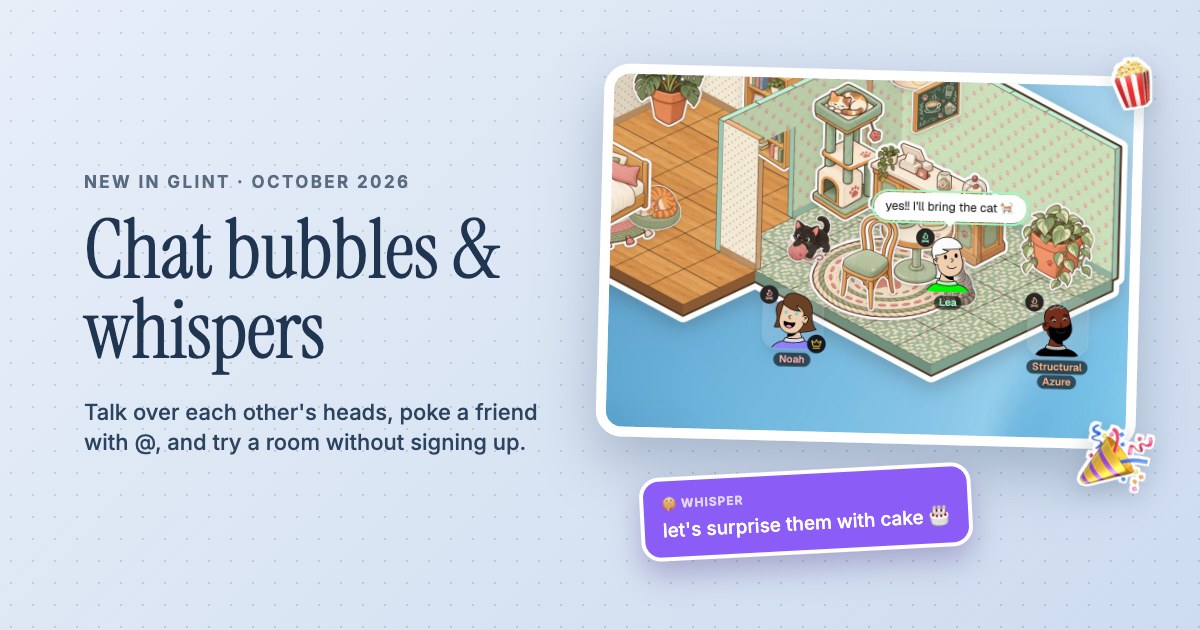
 Chat bubbles, whispers and Try it out
Glint update: chat bubbles over your head, whispers and a room you can try without signing up
Chat in Glint now pops up over your head, emoji burst out of you, @ pokes a friend and /w whispers to one person. See who is on a call, and try a room without an account.
 By Mario Jankovic 7 min read
 Glint is a browser app where friends build cozy rooms with stickers and hang out in them together. This update, out on October 1, 2026, is all about talking: messages now pop up over your head like in an old online game, emoji burst out of you, you can poke a friend with @ and whisper to just one person. You can also see who’s on a call at a glance, and anyone can try a room of their own without making an account.
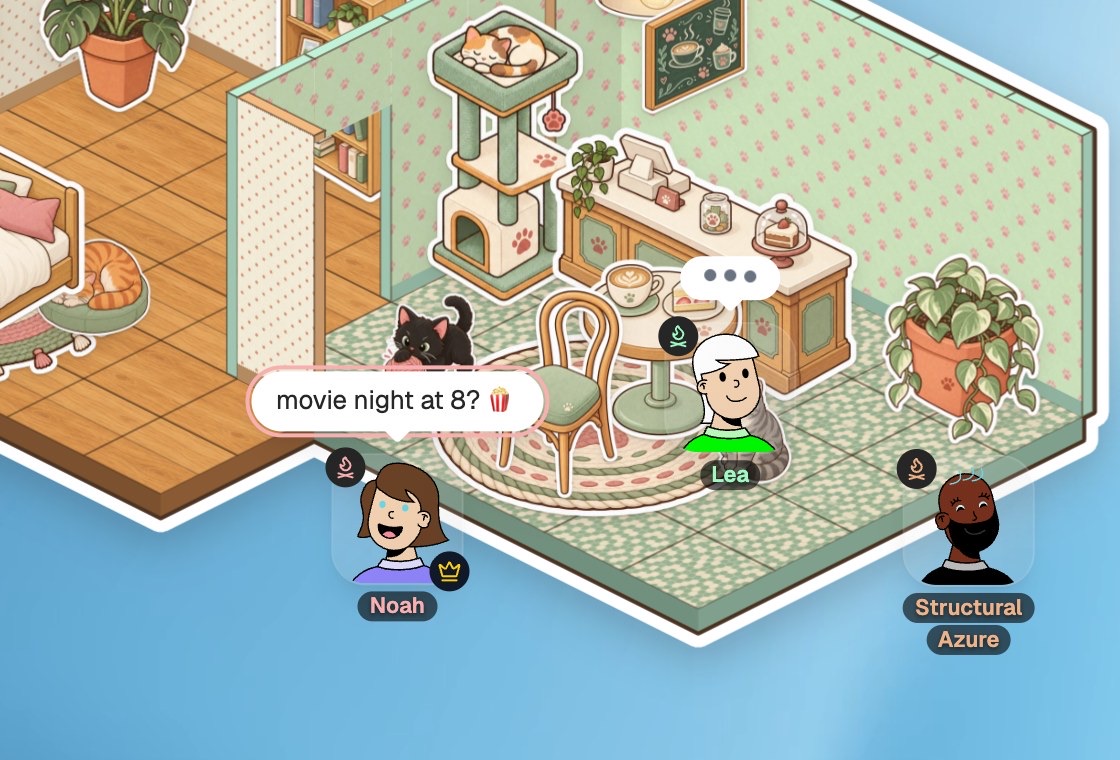
This is the Glint I always wanted to make: a room you share with friends where talking feels like being in the same place, not like filling in a chat window.
What’s new in this update?
| Feature | How to use it | What it does |
|---|---|---|
| Chat bubbles | Press Enter, type, press Enter | Your message pops up over your head for a few seconds |
| Emoji bursts | Send only emoji, or tap a quick reaction | The emoji fly out of your avatar instead of sitting in a bubble |
| Emoji by name | Type :pop or /pop | Suggests 🍿 and other emoji as you type |
| Mentions | Type @ and a name | Pokes that person, even if their chat is closed |
| Whispers | /w Name message, then /r to answer | Only that one person sees it, and it’s never saved |
| Who’s on a call | Top bar | Faces of everyone with their mic on, and who’s talking |
| Notifications | The bell in the chat, or Settings | Chime, quiet, or off, plus desktop notifications |
| Try it out | Try it out on glint.so | Your own private room, no account needed |
How do chat bubbles work now?
Press Enter anywhere in a room, type, and press Enter again. Your message pops up in a bubble over your head and fades after a few seconds, longer for longer messages. Up to three stack up, newest closest to you. While someone is typing, you see three little dots over their head.
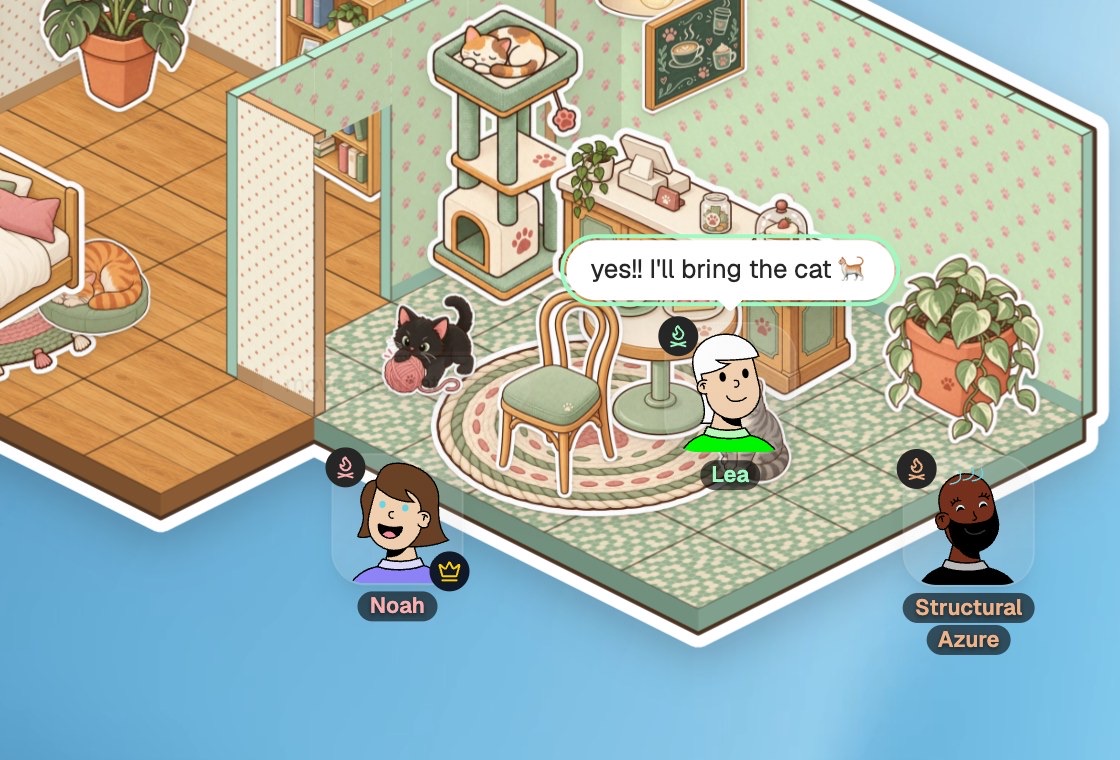
Bubbles only show what’s said while you’re there. Before, opening the chat could bring old messages back over people’s heads, which made no sense in a live room. If you miss something, the chat panel has the whole conversation.
How do emoji bursts work?
Send a message that’s only emoji, up to six of them, and they burst out of your avatar instead of sitting in a bubble. Everyone in the room sees them fly. When your chat line is open, six quick reactions sit right above it: ❤️ 😂 🎉 🔥 👏 🍿.
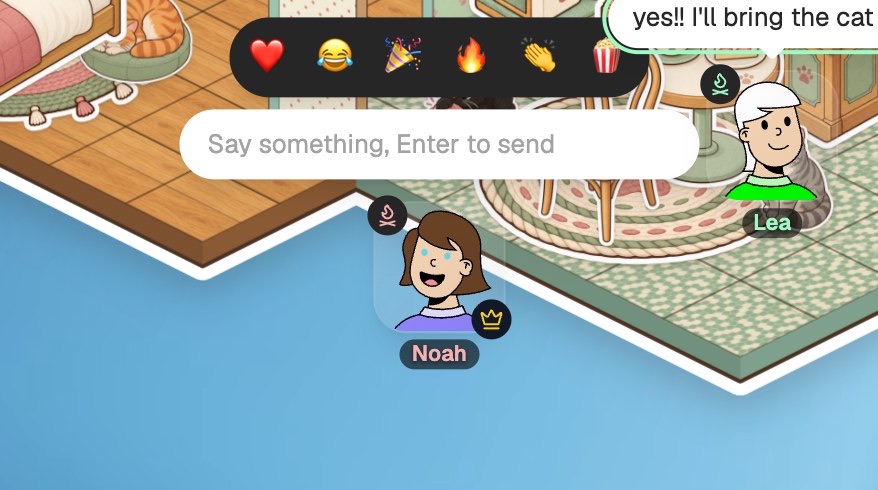
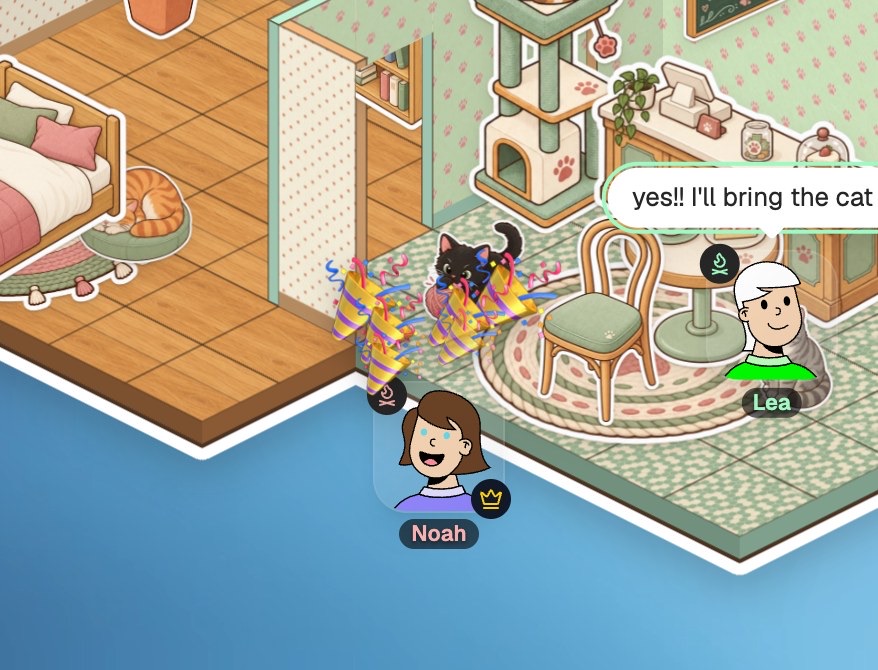
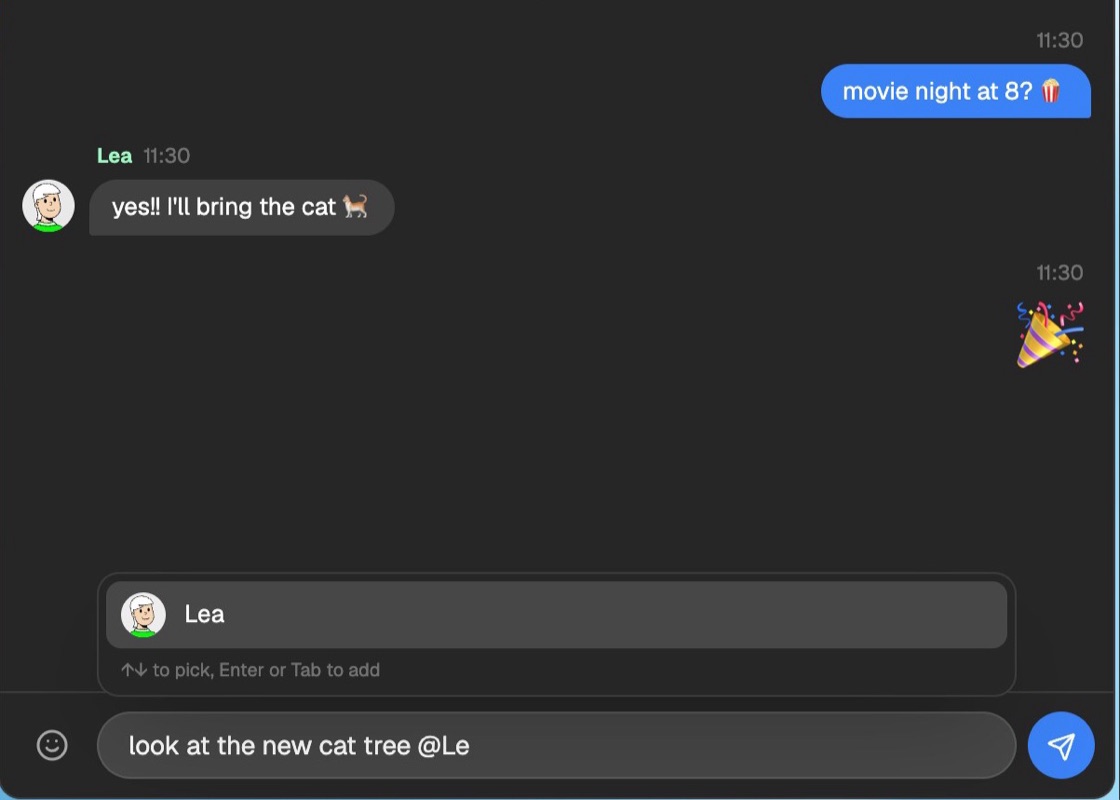
You can also type any emoji by name. Start with a colon or a slash, like :fire or /cat, and pick one from the list with the arrow keys and Enter. A finished name like :tada: turns into 🎉 when you send it. The old animated :name: emoji are gone; real emoji look better and load instantly.
How do you poke a friend with @?
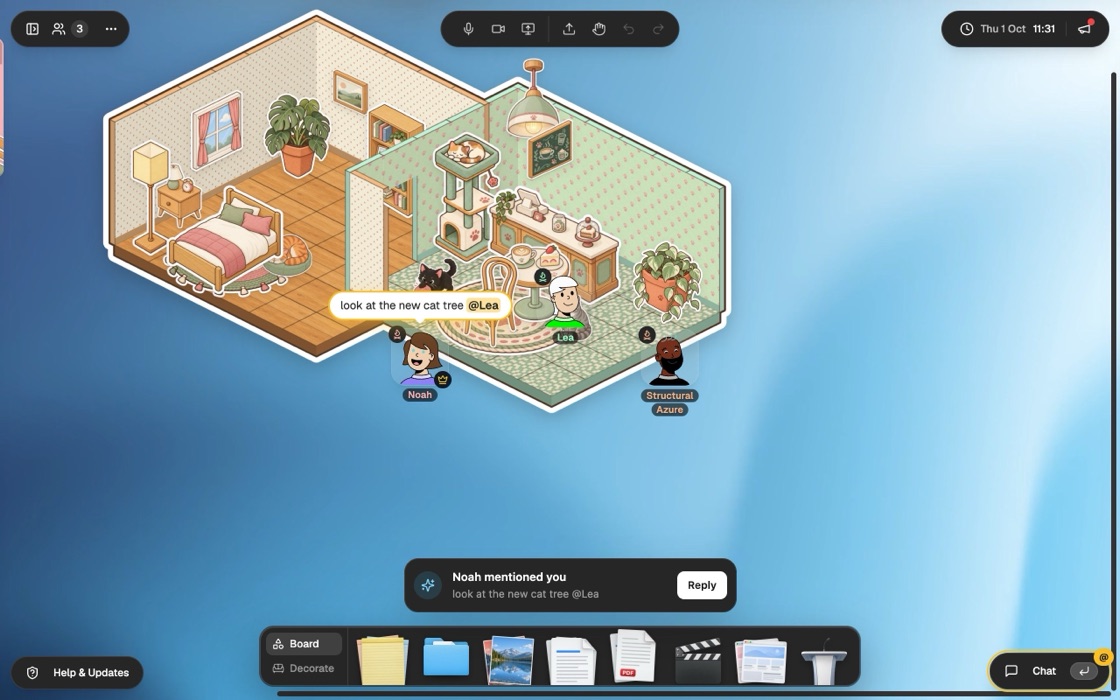
Type @ and the first letters of a name, and Glint lists the people in the room. Pick one and send. That person gets poked:
- The bubble over your head lights up amber on their screen, and the message is highlighted in their chat.
- If their chat is closed, a pop-up says you mentioned them, with a Reply button that opens the chat with @YourName ready to go.
- Their chat button gets an @ and a soft glow until they open it, and their browser tab shows a count like (1).
How do whispers work?
Start a message with /w and a name to whisper it to one person: /w Noah let’s surprise them with cake. While you type, a violet tag in the box shows who it’s going to. To answer the last person who whispered you, start with /r.
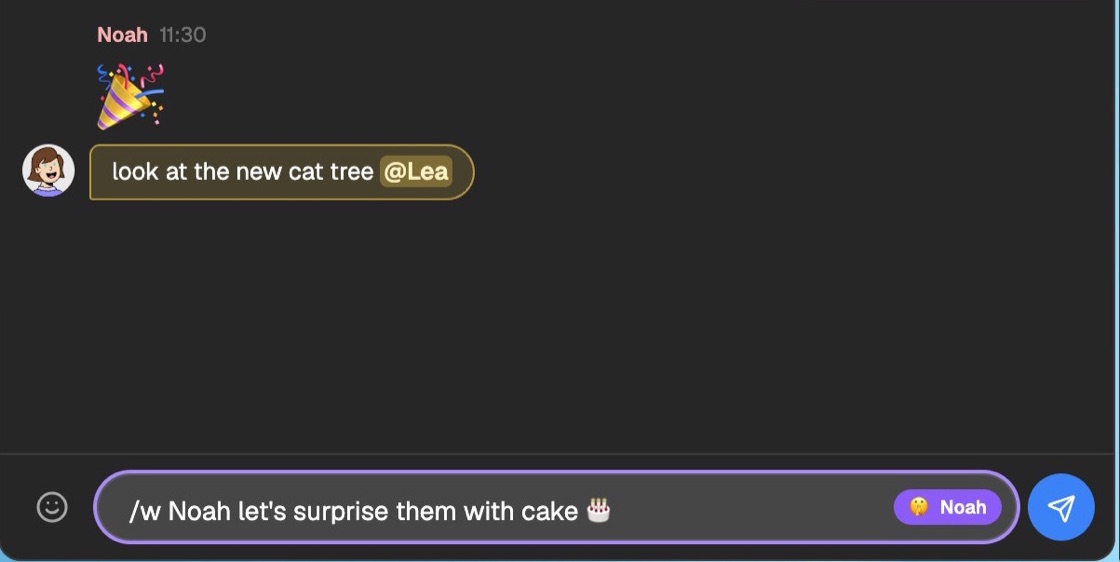
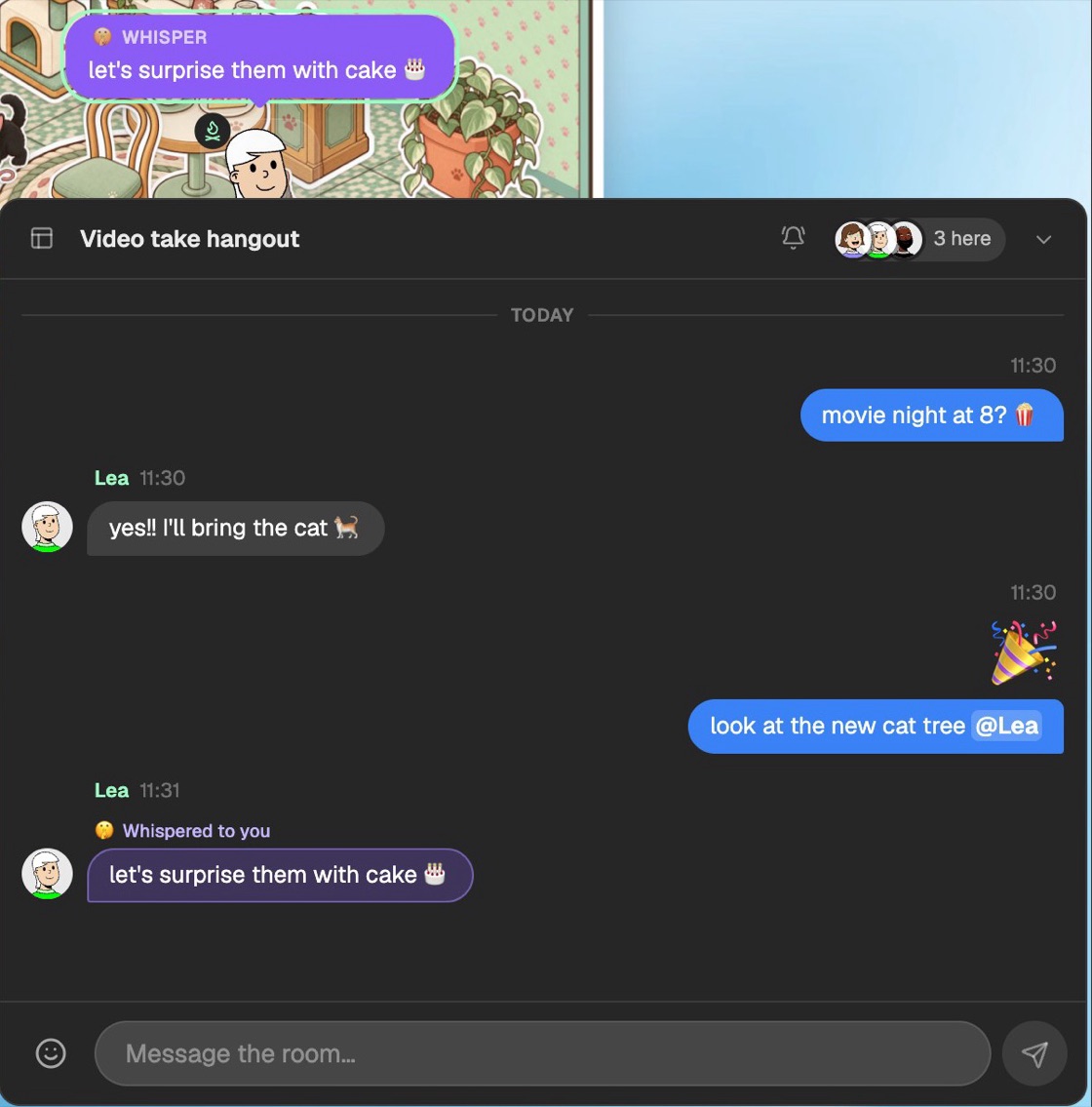
A whisper goes only to that person. Nobody else in the room receives it, sees a bubble or sees typing dots while you write it. Whispers are never saved, so after a reload they’re gone. In the room, a whisper shows as a violet bubble that only the two of you can see.
Can you turn the pokes off?
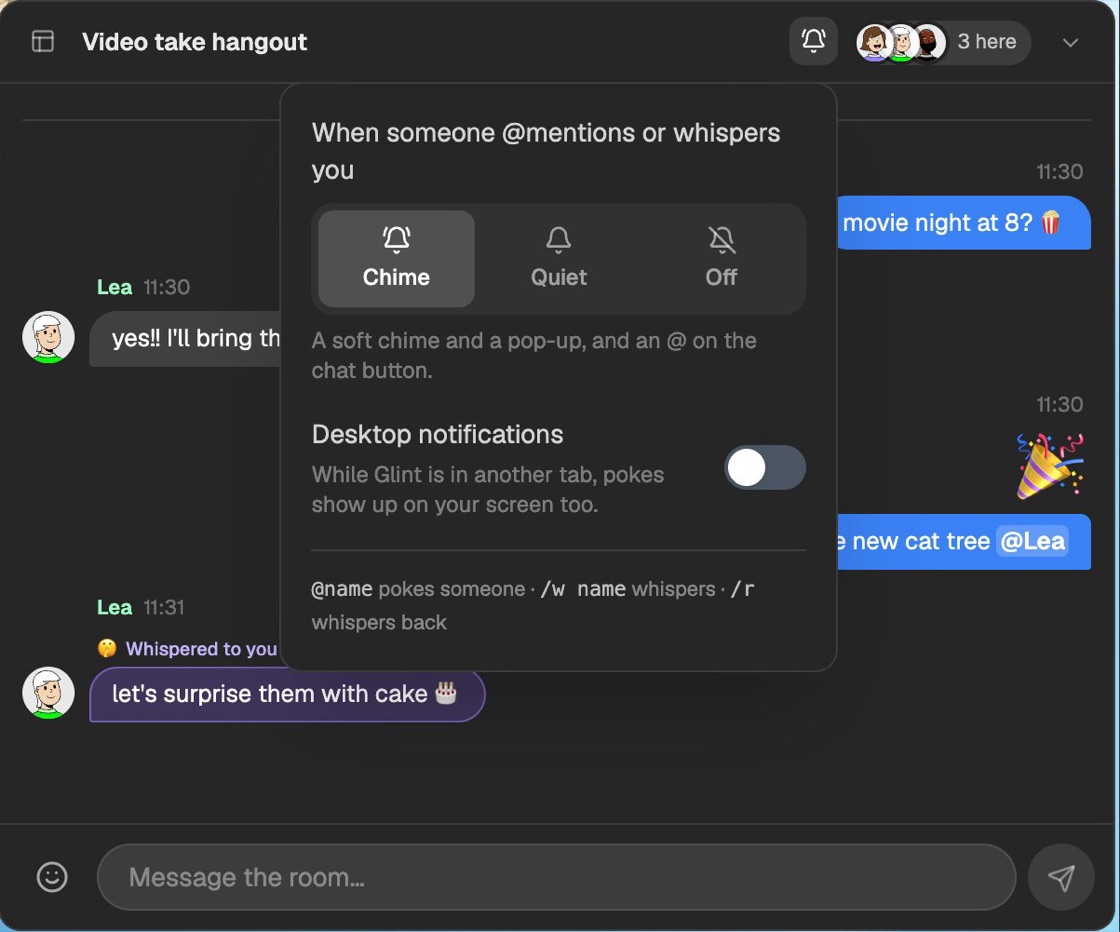
Yes. Click the bell at the top of the chat, or go to Settings, General, Notifications. You can pick:
- Chime: a soft chime and a pop-up. This is the default.
- Quiet: the pop-up and the @ on the chat button, without a sound.
- Off: nothing pops up. Messages for you are still highlighted in the chat.
Turn on Desktop notifications and a poke also shows up on your screen while Glint is in another tab.
How do you see who’s on a call?
When someone turns their mic on, their face appears in the bar at the top of the room. Whoever is talking gets a green ring, and the bar says who it is, like Lea is talking. Up to three faces fit. With more people on the call, you see two faces and a count like +3.

What changed in the chat panel?
The chat panel was rebuilt. Your messages sit on the right in blue, everyone else’s on the left with their face and name, and a run of messages from the same person groups together. Days are marked, links are clickable, and a message that’s only emoji shows big. If you’ve scrolled up when something new arrives, a New messages button takes you down. The header shows who’s here, and the list of your other rooms is one click away instead of always taking up space.
Why are panels dark grey now?
Glint’s frosted-glass panels look lovely, but blurring the room behind them works your graphics card hard, and some of you told us it was draining yours. Panels, the chat and the dock are now solid dark grey for everyone. If you’d like the glass back, turn on Glass effects in Settings, General, Graphics.
Can you try Glint without an account?
Yes. On glint.so, a room builds itself behind the headline. Press Try it out and you land in a private room of your own in the real app, set up just like that one, with no sign-up.
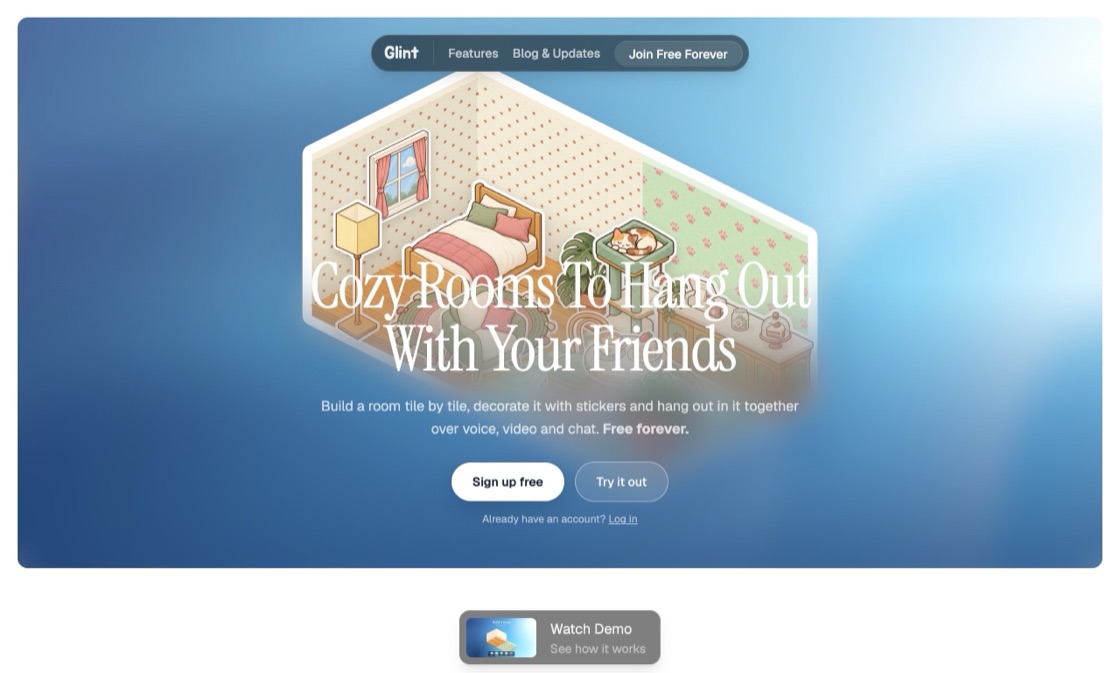
Only you can get into a try-out room. Decorate it, move things around and build more rooms. When you like it, press Keep this room at the top, sign up for free, and the room becomes yours with everything in it. If you don’t, it’s cleared after a day.
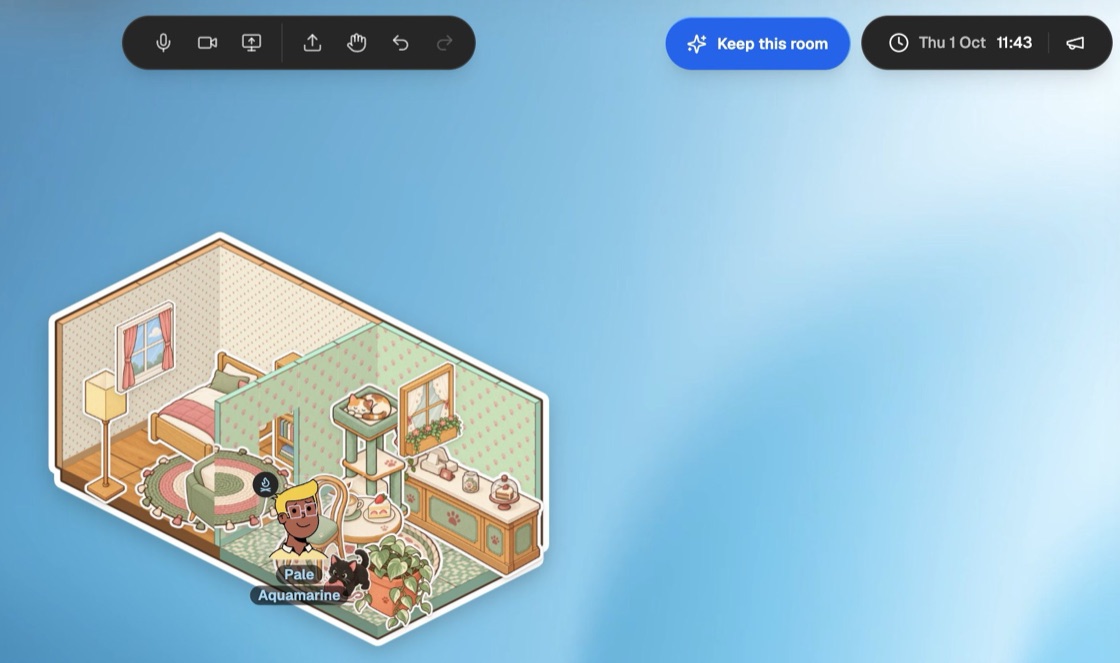
Guests in anyone’s room now see a Sign up free button in the same spot, so keeping your stuff is always one click away.
Is there a video of the new Glint?
Yes. We made a short launch video that shows building a room, stickers and hanging out together.
Watch the Glint launch video on YouTube.
What’s next?
Glint stays fully free. We only earn from optional sticker series, never from the things you need to hang out. Most of this update came from your feedback, so tell us what you’d like next. Every past release is on the release notes page, including the rooms and stickers update.
Open Glint and say hi to your friends over your heads.
Frequently asked questions
Can other people read my whispers? No. A whisper is sent only to the person you whisper to. Nobody else in the room receives it, and it isn’t saved anywhere, so it’s gone after a reload.
Do chat bubbles show old messages? No. Bubbles only show messages sent while you’re in the room. The full conversation is in the chat panel.
How do I stop the chime when someone mentions me? Click the bell at the top of the chat and pick Quiet for no sound, or Off for no pop-ups at all.
Do I need an account to try Glint? No. Press Try it out on glint.so to get a private room of your own. Sign up for free with Keep this room to keep it; otherwise it’s cleared after a day.
Why did the panels stop being see-through? Frosted glass is heavy on graphics cards, so it’s now off by default. Turn on Glass effects in Settings to bring it back.
Written by
Mario Jankovic
Mario makes Glint, a cozy browser app where friends build rooms together and hang out in them. He writes here about spending time with people you love online, and about everything new in Glint.
Follow Mario on Bluesky →Keep reading
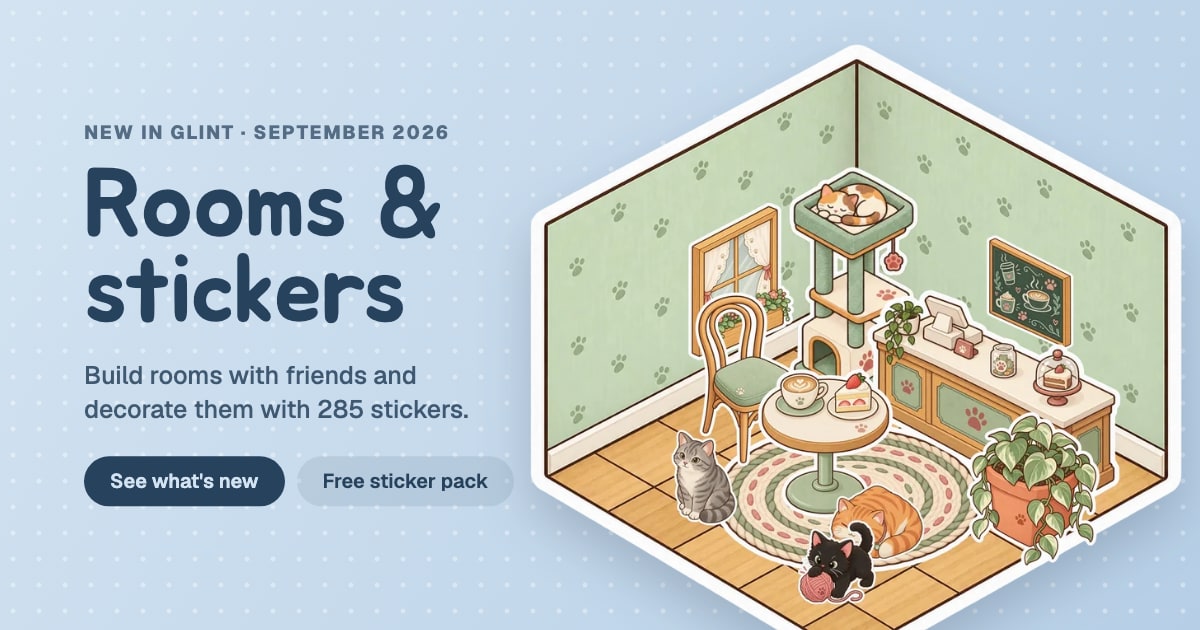
Glint update: build rooms and decorate them with stickers
Build rooms tile by tile in Glint and decorate them with 285 stickers. Plus a free Autumn Cabin sticker pack, a sticker shop, better folders and a new dock.

v0.2.2 - Escape Menu, Performance Mode & Stage Pop-out
A game-style pause menu, a new performance mode for lower-end devices, pop-out windows for stage participants, and various avatar fixes.
v0.2.1 - End of Year Fixes
Image link buttons, multiline document titles, better word wrapping, and smoother document rendering.
Ready to try these features?
Glint is free and runs in your browser. Make a room, decorate it with stickers and invite your friends.