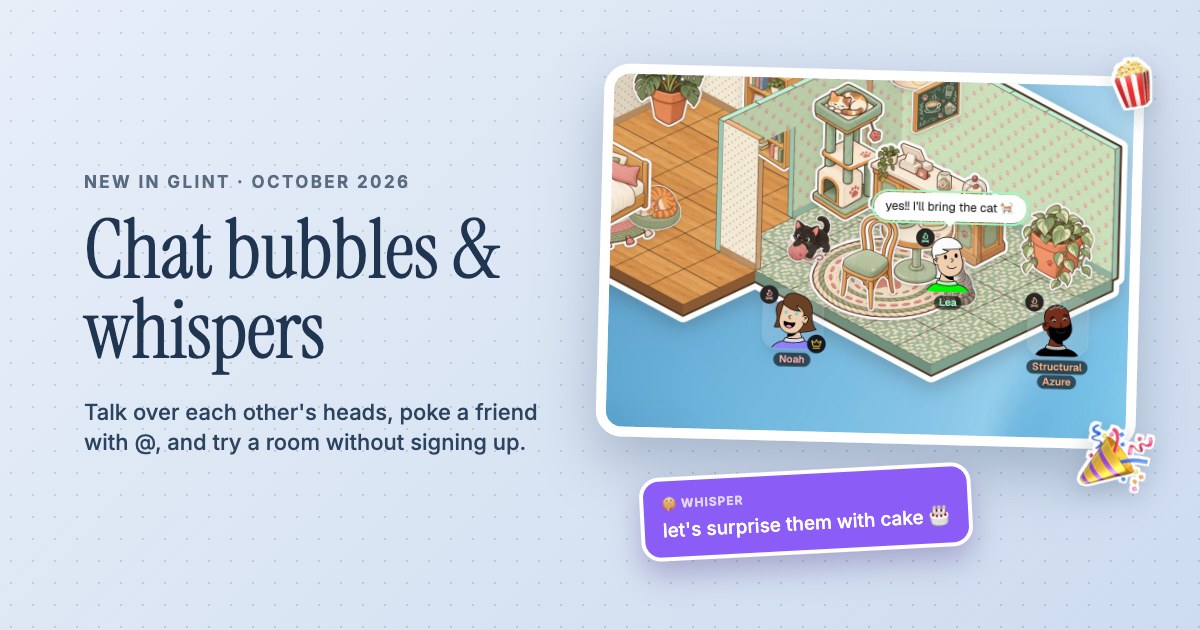
 Chat bubbles, whispers and Try it out
Study together.Keep good company.
A quiet room, your own study group and everything you need nearby. Keep notes and PDFs together, talk through a problem and settle into your next session.
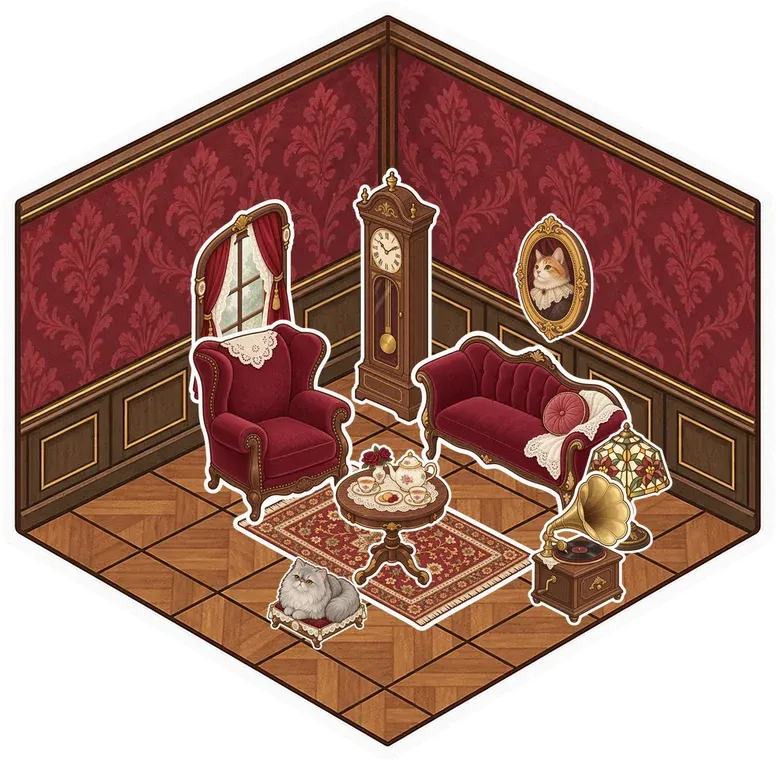



- Study with people you invite
- Shared notes, documents and PDFs
- Voice and screen sharing for questions
Make the room before the session
Start with a library style or build a simple room and add a few desks with stickers. Put a note near the entrance with what you're working on, then gather your PDFs, links and documents into a folder. A saved room gives the group a familiar place to return to, with the references already there. You can spend the start of the session finding your place rather than sending the same links again.
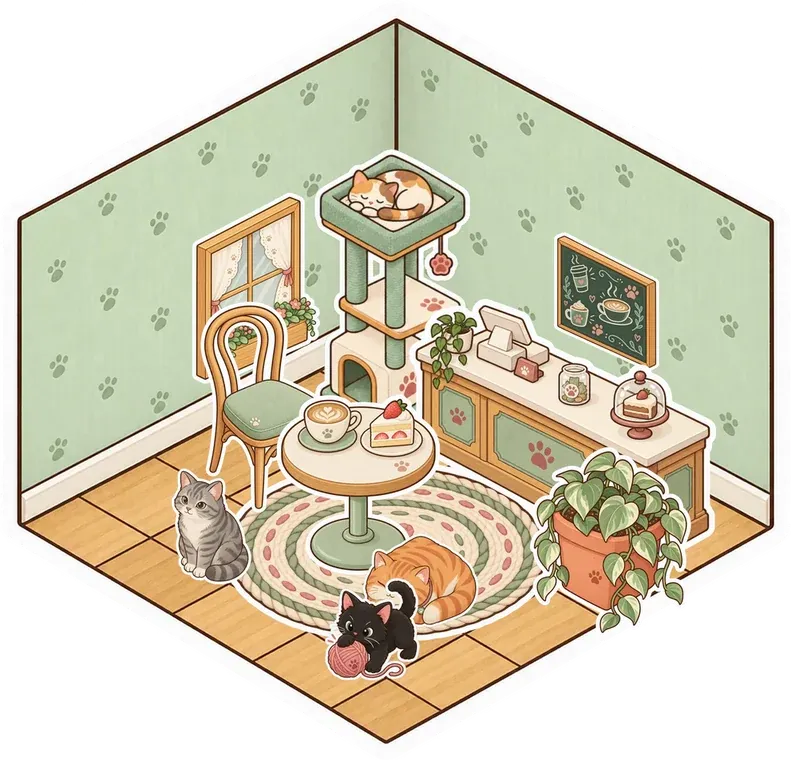

Stay near each other while you work
Leave voice on for a quiet session or switch to text while everyone reads. If you get stuck, mention a friend with @, put the question in chat or talk it through. Chat bubbles appear over your avatar so a short exchange stays in the room. Use notification settings to keep alerts quiet while you concentrate, and decide as a group when to pause for questions or take a break.
Have a place to explain the hard part
When a problem is easier to show, use screen sharing and walk the group through it. Add a stage if you want a shared viewing area, then pop the screen into a larger window for small details. A document can hold the explanation or the questions to revisit. Glint gives you the space and the tools; your group chooses the subject, the pace and how you want to help each other.
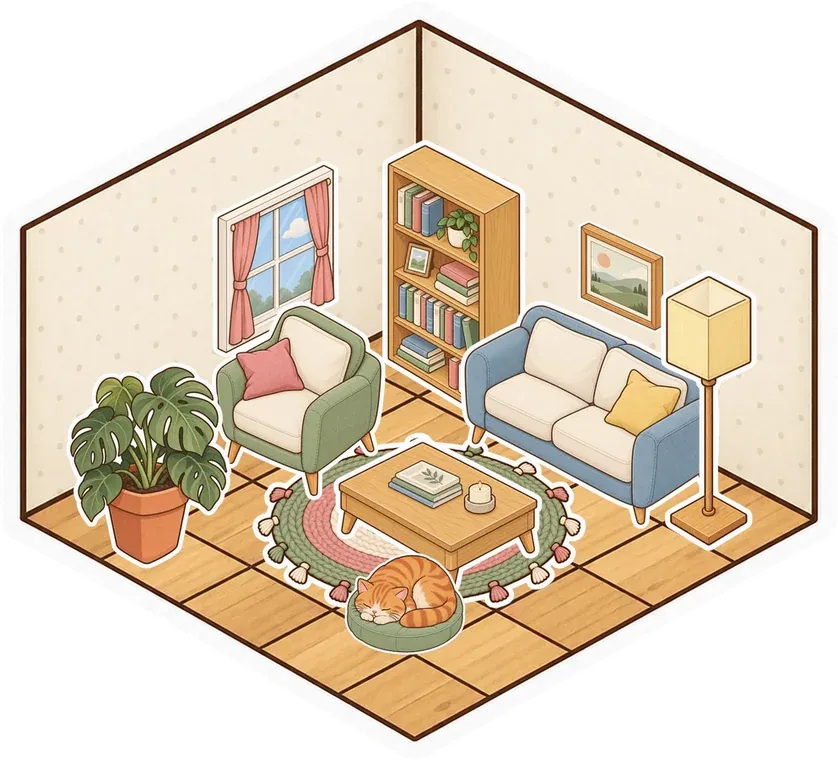

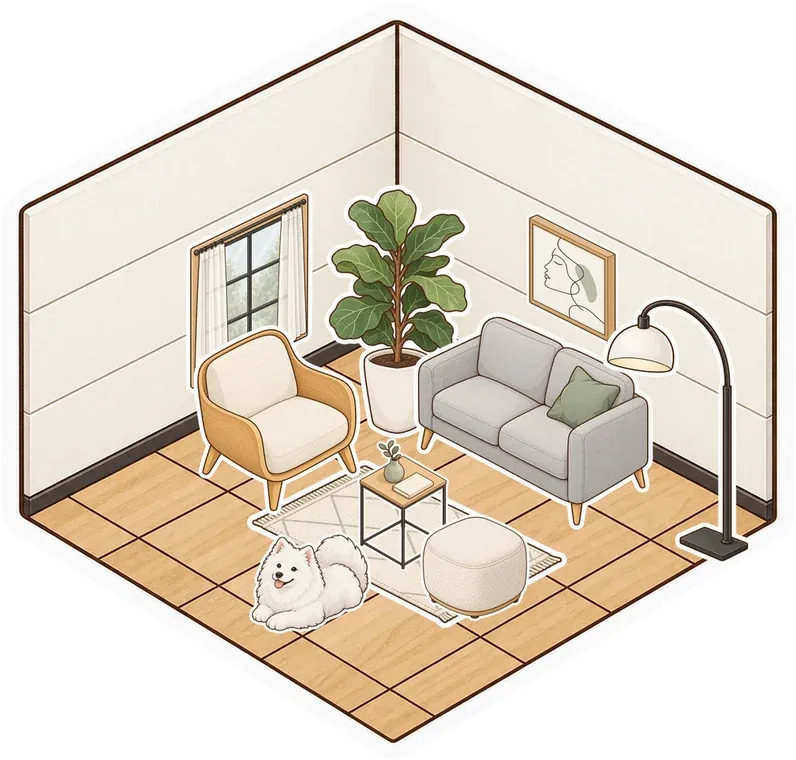
A Little Setup.
Then You're Here.
Further reading Set up rooms and folders for your study group
-
Set up the study space
Create a free account and make a room for your group. Choose a library style, add a note for the session and put your reference files in a folder.
-
Invite your study partners
For a private room, invite your study partners from Manage Users. For an unlisted or public room, share its link. Agree what to work on and when to take a shared break.
-
Keep a place to pick up from
Use a shared document for questions and notes from the session. Leave the room saved so the next visit starts with the same references and a clear next step.
Questions
Can I study together online with my own friends?
Yes. Create a private room and invite your study partners from Manage Users, or share the link to an unlisted or public room. You can keep notes, PDFs and documents nearby, share screens and talk over voice or text chat.
Does Glint match me with a study partner?
Glint doesn't provide study partner matching or tutoring. This page is for making a room with people you invite, such as classmates, friends or an existing study group.
Is there a built-in Pomodoro timer?
Glint's study setup uses its shared room tools, rather than a dedicated Pomodoro or accountability system. Your group can choose a session length and use its own timer if helpful.
Can our study notes stay between sessions?
Yes. Save the room with a free account and keep documents, notes and files there. You can organize references in folders and return to them when the group meets again.
There's More in Here.
See every use caseShared documents
Keep plans, study notes and checklists beside the conversation. Open a full document when a sticky note isn't enough.
Screen sharing
Show a tab, window or screen while you talk. Use a stage and pop out a larger view when needed.
Folders and files
Drop files into room folders, save links and organize documents. Use search, subfolders and the view that suits you.
 Summer plans
  Moodboard
 open.spotify.com
 Packing list
 Ideas
Ideas

Make your study room
Make something small. Invite your people. See what it turns into.
Make your room for freeFree forever. Nothing to install.