 Chat bubbles, whispers and Try it out
Your people.Your usual spot.
Make a cat café, a bedroom or a strange little place only your friends would build. Talk, decorate, watch something or see where the evening goes.



- A room for your own group
- Voice, video and chat together
- A saved place for the next hangout
Start with something small to do
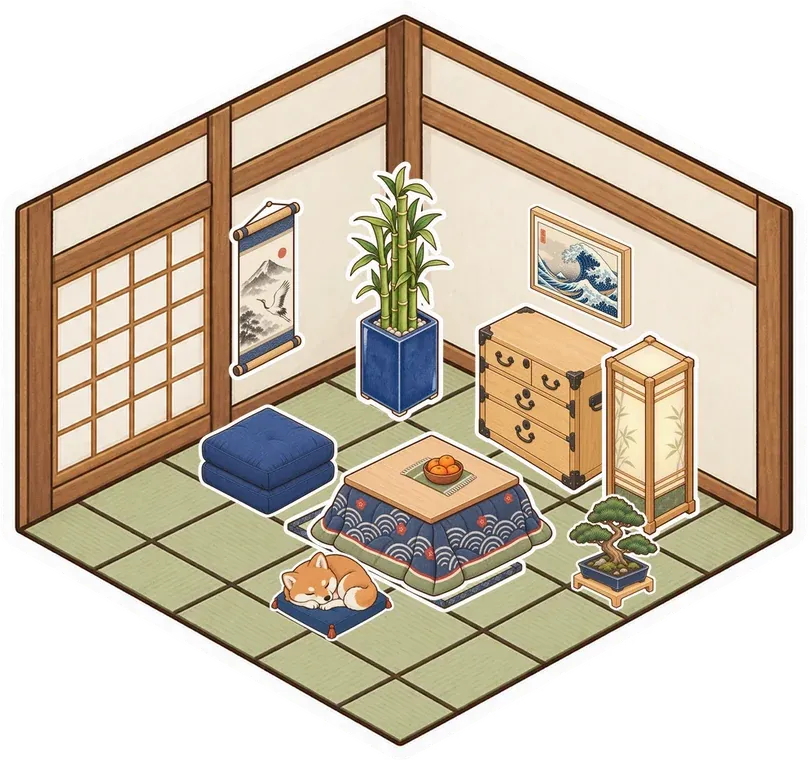
You don't need a plan for the whole evening. Build a floor, ask a friend to choose the wallpaper and see what the room becomes. Peel furniture from the sticker album or add a picture that belongs to an old joke. Voice and video sit inside the room, so you can talk while your hands are busy making something. The shared activity gives everyone a reason to stay a little longer.

Let people join in their own way
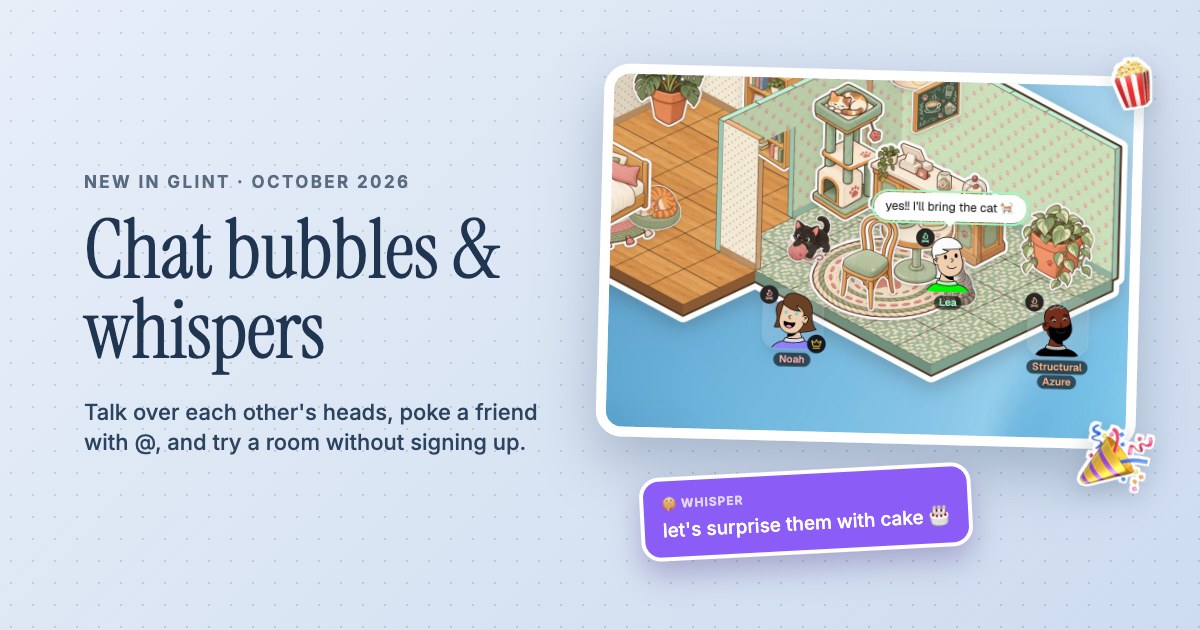
Some friends want to talk, some want to decorate and some are happy watching the rest of you. Glint has voice, camera and text chat in the same room. Messages pop up over your avatar, emoji burst into the space and @ gets a friend's attention when you need it. Put an embeddable YouTube video on the canvas to watch in sync, or leave it quiet while people do their own thing.
Give the group a familiar place
A room saved to an account is still there after everyone leaves. Keep a folder of favorite links, leave a note for the next visit or add another corner each week. You can create private rooms for your own group or public rooms when you want a space people can discover. Glint is free with no limits on rooms or members, so you can make a different place when a new idea comes along.


A Little Setup.
Then You're Here.
Further reading See the little ways people talk in a Glint room
-
Make a room for your group
Sign up free and create a private room for your group. Choose a room style or build the first few tiles yourself, then add a place for people to gather.
-
Invite your friends
Invite your friends from Manage Users in the room controls, then share the room link. Turn on voice when they arrive and pick one small thing to do together, like decorating a corner.
-
Leave something for next time
Keep the room, save a link or leave a note about the next hangout. When the group comes back, your place is already there and a little more yours.
Questions
What can friends do together in Glint?
Build and decorate rooms, talk over voice or video, chat, doodle, share screens and watch embeddable YouTube videos in sync. You can also keep pictures, notes, documents and files in the room.
Do my friends need to install anything?
No. Glint runs in the browser. Invite friends to the room so they can join from a laptop or a phone, and use a free account to keep your own rooms.
Can we have a room just for our group?
Yes. Glint has private and public rooms. Choose a private room for your group, then invite friends from Manage Users in the room controls. A plain room link does not grant private-room access.
Is Glint a game we have to learn?
Glint is a place to hang out, with tools for building, decorating and sharing things. You can make up small activities, but there isn't a game you have to complete or a score to chase.
There's More in Here.
See every use caseRoom builder
Lay floors, put up walls and add doors. Build a room from scratch or start with a ready-made style.
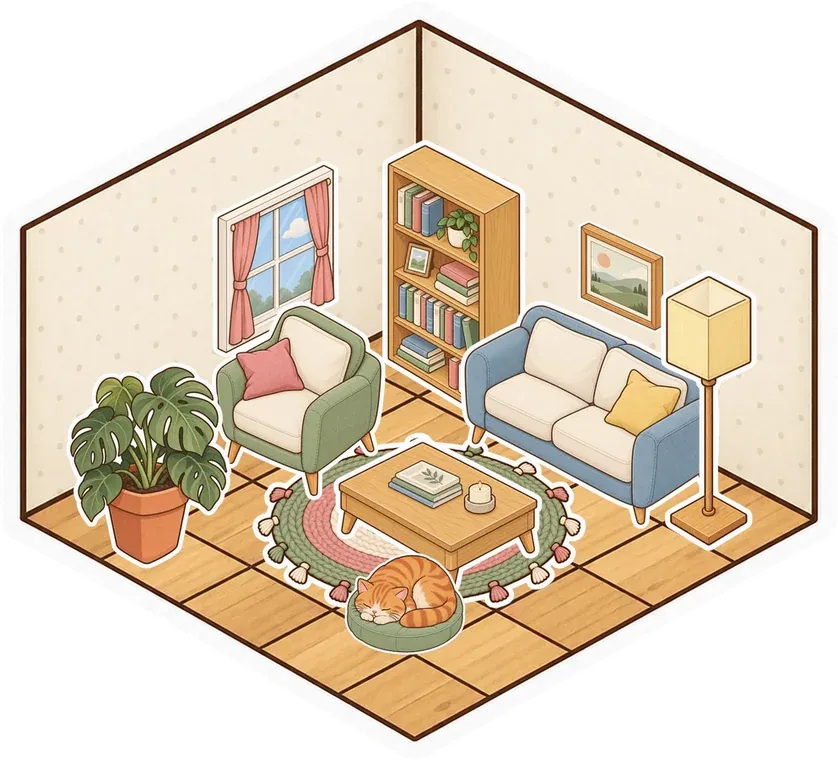
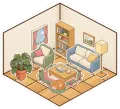 Cozy bedroom
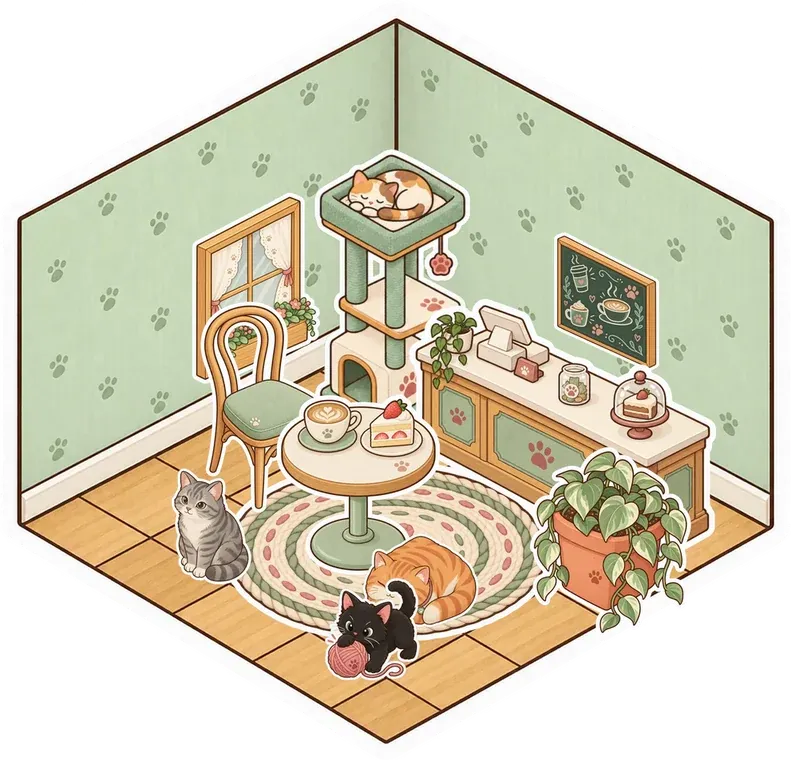
 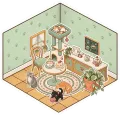 Cat café
 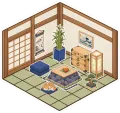 Tea room
  Parlour
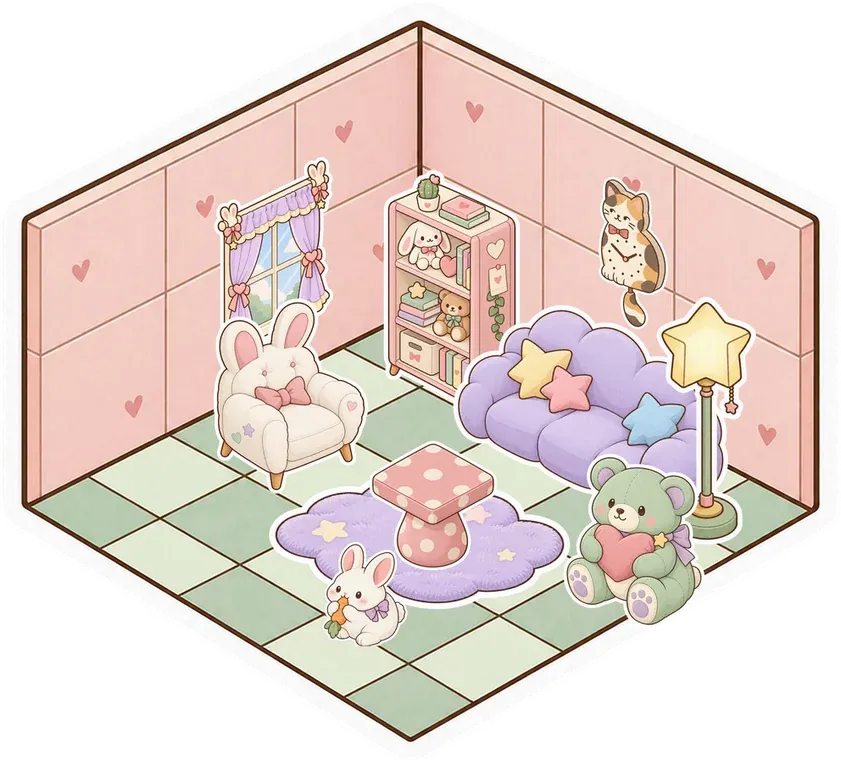
  Kawaii
 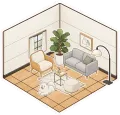 Modern
 Voice and video
Talk while you build or watch. Turn on your camera, see who's speaking and keep chat in the room.
Watch together
Watch YouTube with synced play, pause and seeking. Keep voice and chat beside the video in your shared room.

Make your group's room
Make something small. Invite your people. See what it turns into.
Make your room for freeFree forever. Nothing to install.