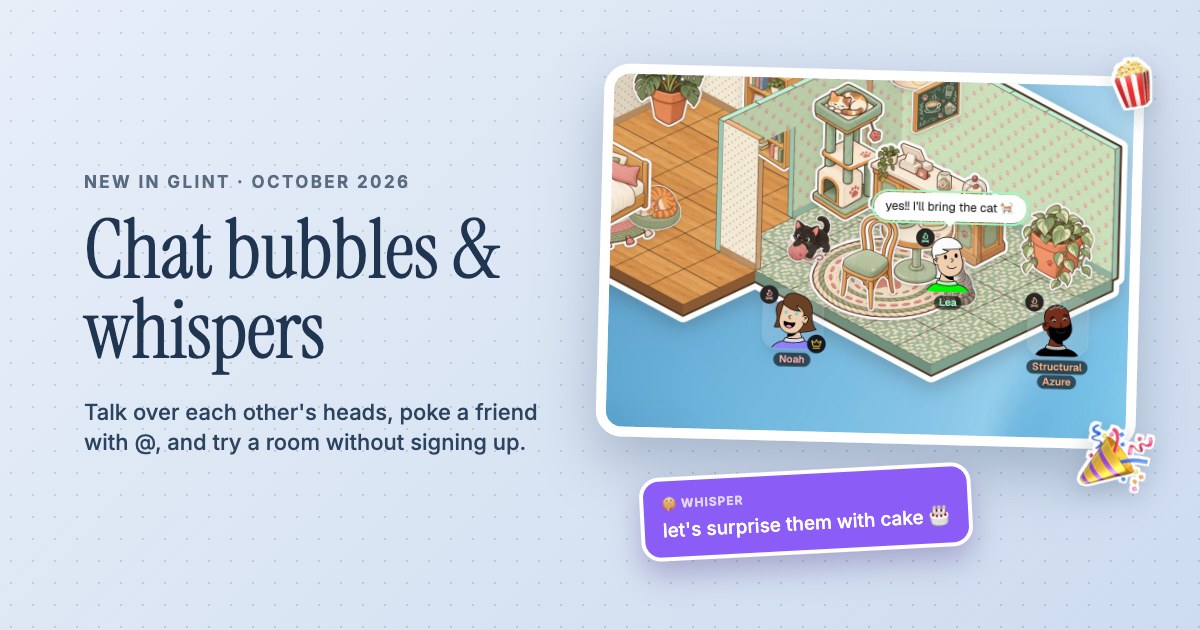
 Chat bubbles, whispers and Try it out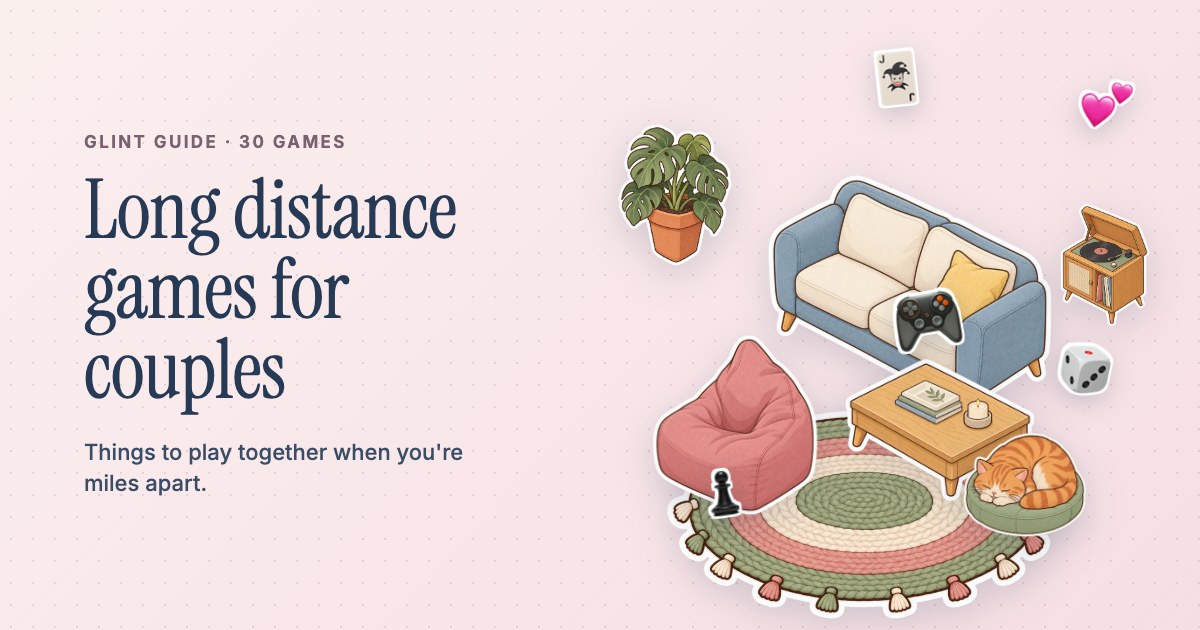
A little sticker.A lot of personality.
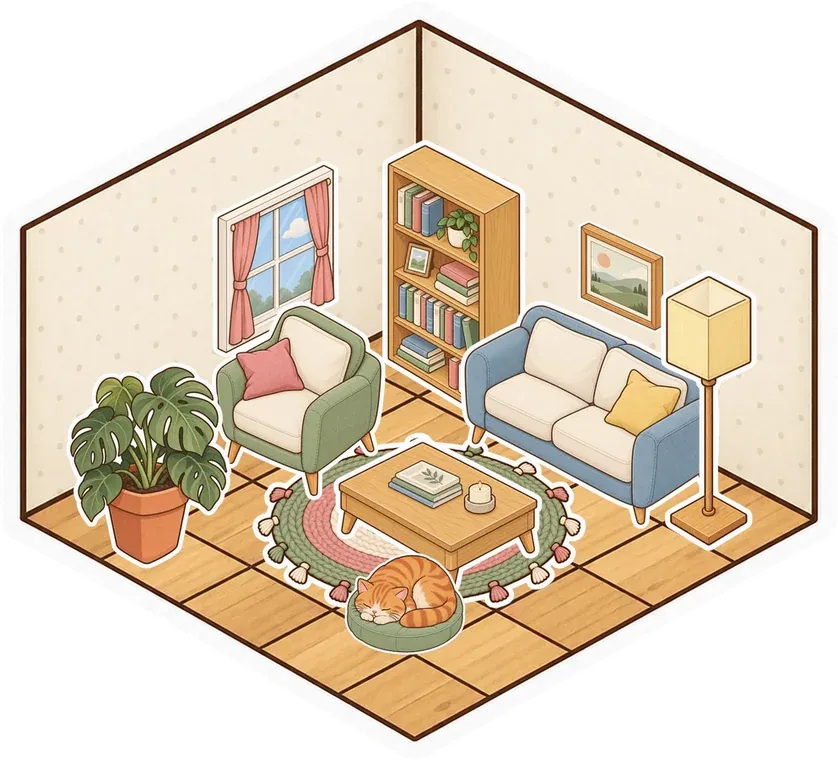
A sofa by the window. A plant on the desk. A cat that has already claimed your chair. Peel your favorites from the album and make yourself at home.
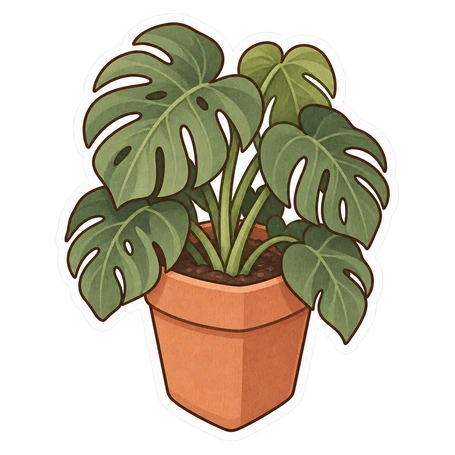
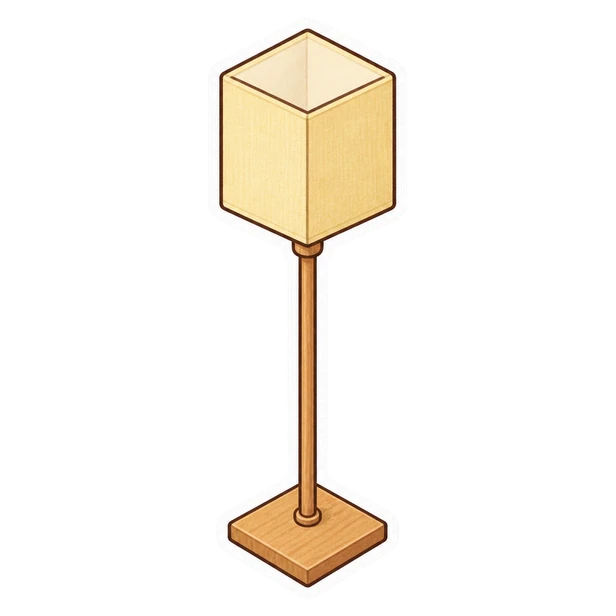



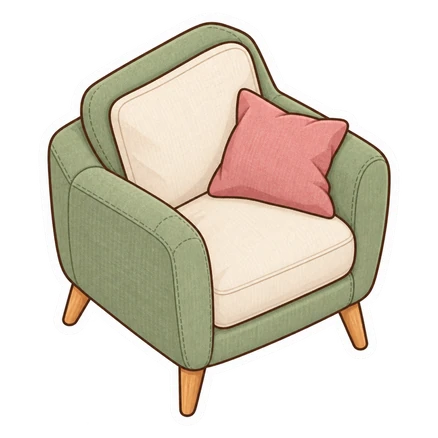

- Peel and place with tweezers
- Free sticker series included
- Save favorite arrangements as sets
Decorating is something you do together
Open the album from the dock's Decorate tab and pick a sticker. Peel it from the page, move it over your room and press it down. Friends see what you place, so you can furnish a café together or each take a corner of the same room. Press F to flip a sticker for the other wall. Little choices, like which chair goes beside the lamp, become part of the hangout.
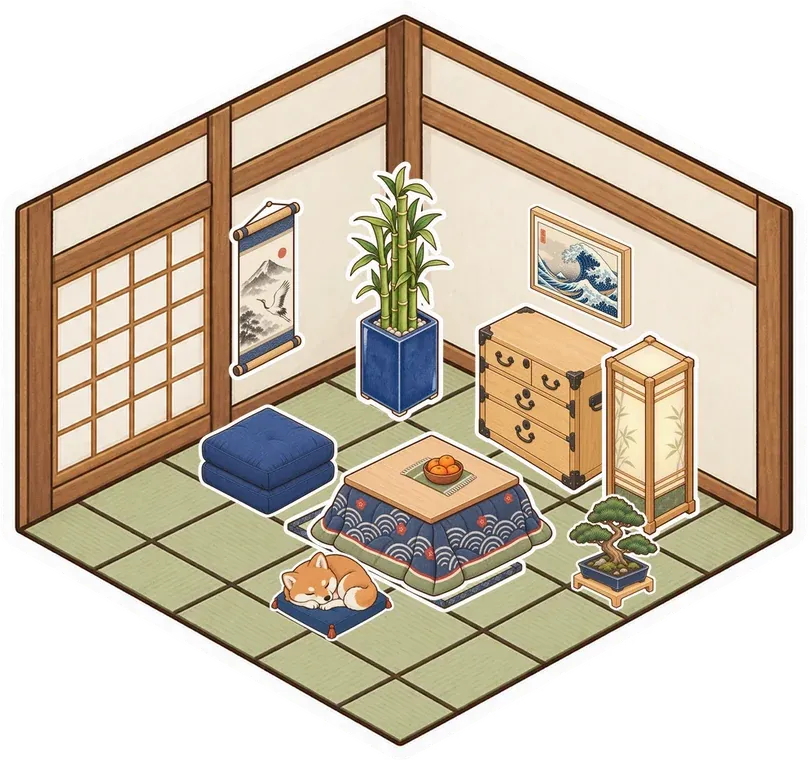

Stickers belong to the things beneath them
A sticker sticks to what it lands on. Put a lamp on a table and it stays with the table. Place a window on a wall and it becomes part of that room. Add a sticker to a note or picture and it wraps around the edge. When you carry a room somewhere else, its floor and wall decorations go too. You can rearrange your space without rebuilding every little detail.
Start with the free pages in your album
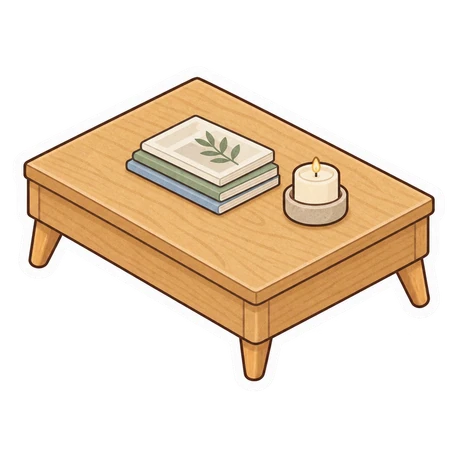
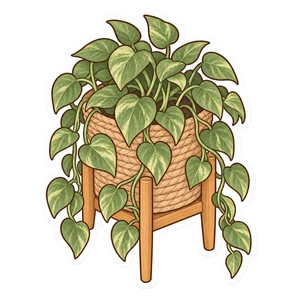
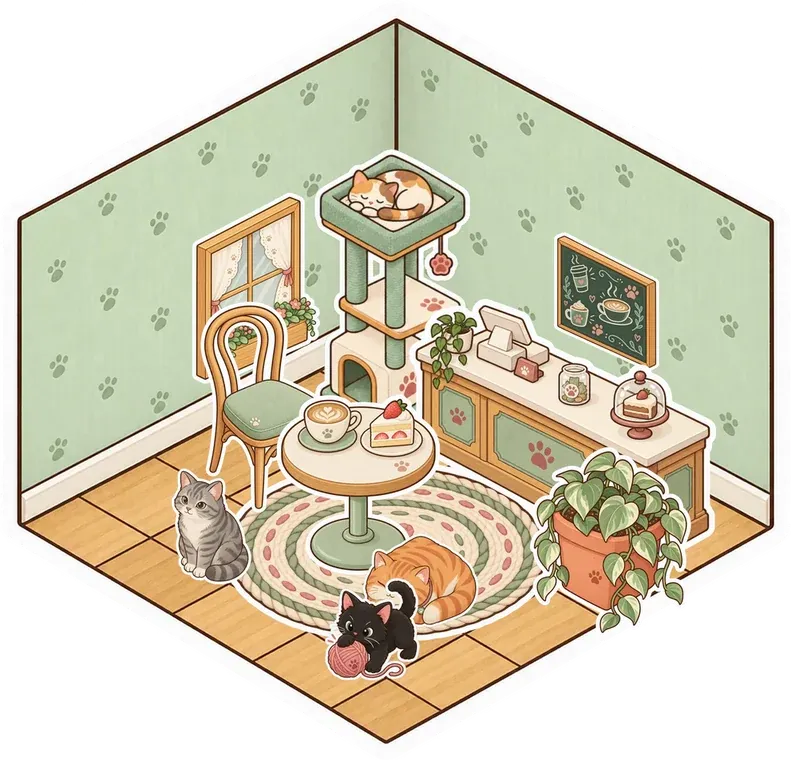
Cozy Basics and Cat Café are free series, and the other regular series each have free stickers to try. Pick a look you like, from a simple desk to a room full of cats, and build around it. Optional premium series live in the album's Shop tab. You can save a few stickers as a set, then place that arrangement in another room or share the set with a link.

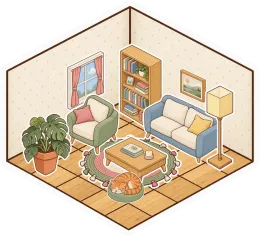

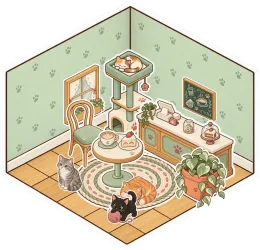

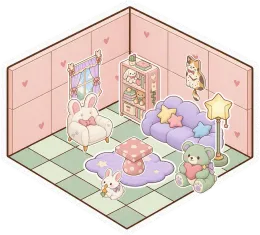

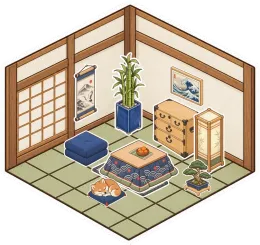
A Little Setup.
Then You're Here.
Further reading Explore the sticker album, free series and shop
-
Open the album
Choose Decorate in the dock and open the sticker album. Browse the series and start with the free pages to find a few things for your room.
-
Peel and press
Pick a sticker up with the tweezers and press it onto your room. Try a wall, a floor or a note, and use F to flip its direction.
-
Make a little scene
Place a chair beside a table, add a lamp and choose something for the wall. Invite a friend to decorate the next corner while you talk.
Questions
Which stickers can I use for free?
Cozy Basics and Cat Café are free. Other regular series include eight free stickers each, with the remaining stickers available as optional purchases in the shop.
Are these stickers for messaging apps?
These are digital decorations inside Glint. You place them in a shared room, on its walls and floors or on other objects, rather than send them as a chat sticker pack.
Can I move a room without losing its decorations?
Yes. Decorations attached to a room's floor or walls move with it. Stickers placed on objects such as tables also stay with the thing beneath them.
Do the record players and other stickers work?
Stickers currently decorate your room. Interactive stickers are planned, so a record player sticker should not be treated as a music player. Use the room's existing video and embed tools for media.
There's More in Here.
Explore the featuresRoom builder
Lay floors, put up walls and add doors. Build a room from scratch or start with a ready-made style.

 Cozy bedroom
  Cat café
  Tea room
 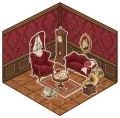 Parlour
  Kawaii
 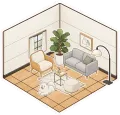 Modern
 Long distance couples
Build a place for the two of you. Decorate on a call, watch something together and leave notes between visits.
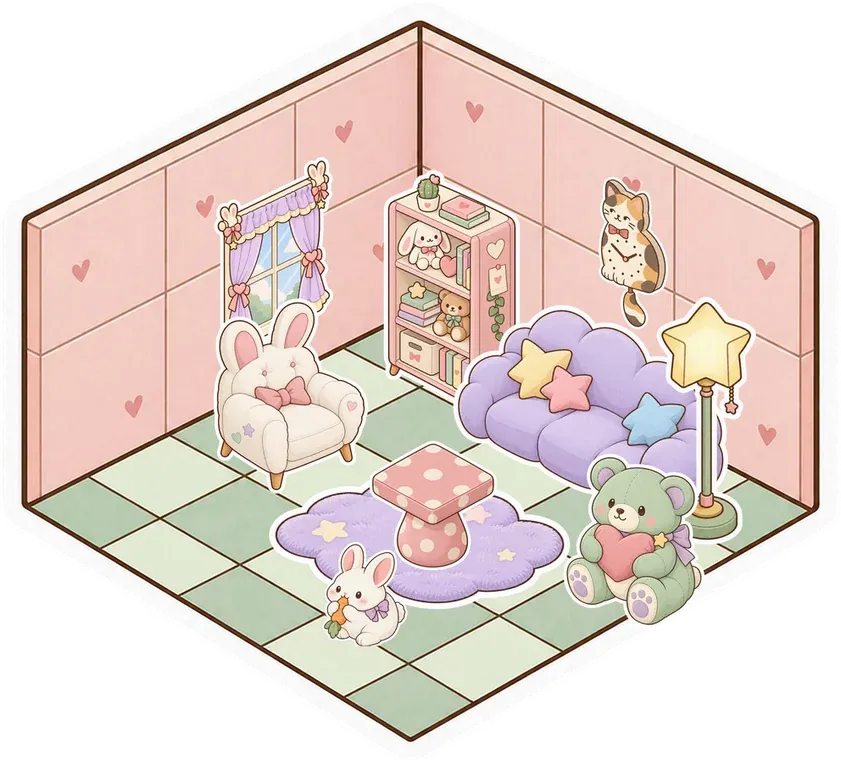
Online hangouts
Make a place for your group to return to. Talk, decorate, watch a video or just spend time together.


Decorate a room
Make something small. Invite your people. See what it turns into.
Make your room for freeFree forever. Nothing to install.