 Chat bubbles, whispers and Try it out
Big plans.A page of their own.
Give your next trip, project or study session somewhere to take shape. Keep a shared document in the room, right beside the conversation.
- Headings, lists and checkboxes
- Documents live on the room canvas
- Quick notes for smaller thoughts
Use a note for the thing you just thought of
A note is a quick way to leave a question, a reminder or something for a friend to find later. Put it near the thing it refers to, such as a picture you're discussing or a folder for a project. When the writing becomes longer, add a document from the dock. It has a page of its own, with a title and room for structured notes, without taking the conversation out of Glint.
Give the page a useful shape
Type / in the document editor to add headings, lists, code blocks or task lists. Use checkboxes for the things you want to finish, and reorder blocks when the plan changes. Documents can also have properties such as an assignee, a due date or a custom field. Keep the page simple enough that a friend can open it, see what matters and understand where the next step belongs.
Keep the page beside the people using it
Documents are objects in the shared room, so you can place a plan beside its reference pictures, files and links. Talk through the page on voice or show an example with screen sharing. Put related documents in a folder when you need a little more order. Save your room with an account and the page is there for the next visit, whether you're returning for another study session or planning your next weekend together.

A Little Setup.
Then You're Here.
Further reading Read about Glint's document editor and stage tools
-
Choose a note or a document
Open Board in the dock. Pick a note for a short thought or a document for a longer plan, and place it where it belongs on the canvas.
-
Write something people can use
Give the document a clear title, then use / for headings, lists and checkboxes. Put the next few actions near the top so they're easy to find.
-
Bring it into the conversation
Invite friends to the room and talk through the page together. Add reference files nearby, then keep the room saved so you can return to the same plan.
Questions
How are documents different from notes?
Notes suit short thoughts on the canvas. Documents open into a fuller editor with headings, lists, code blocks, task lists and properties for more structured writing.
Can I make a checklist in a document?
Yes. Type / in the editor and choose a task list. Add checkboxes for study topics, a trip packing list or the next few actions in a shared project.
Can I organize documents in folders?
Yes. Folders can hold documents alongside files and links, and you can create a new document from a folder's New menu. Use subfolders when a collection grows.
Who can find a document in my room?
Documents are part of the room's shared content. Choose who you let into that room. Use a private room when the page is intended for a particular group of friends.
There's More in Here.
Explore the featuresFolders and files
Drop files into room folders, save links and organize documents. Use search, subfolders and the view that suits you.
 Summer plans
  Moodboard
 open.spotify.com
 tickets.pdf
 Packing list
 Ideas
Ideas
Shared canvas
Put notes, pictures, doodles and media side by side. Arrange a room around what you want to make together.

Virtual study room
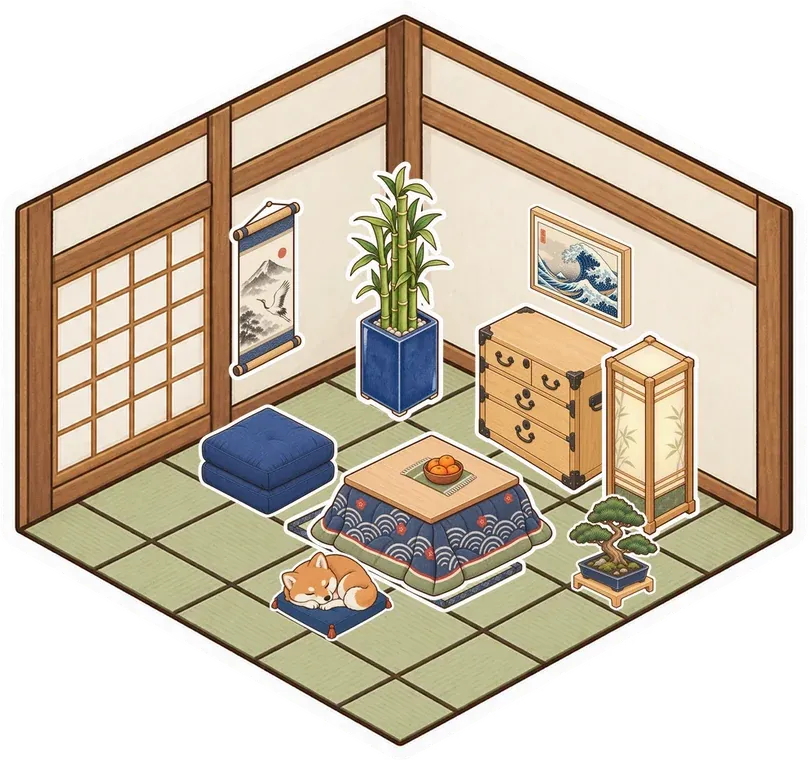
Meet your study group in a shared room. Keep notes and PDFs nearby, ask questions and show a problem on screen.

Make a room for your notes
Make something small. Invite your people. See what it turns into.
Make your room for freeFree forever. Nothing to install.