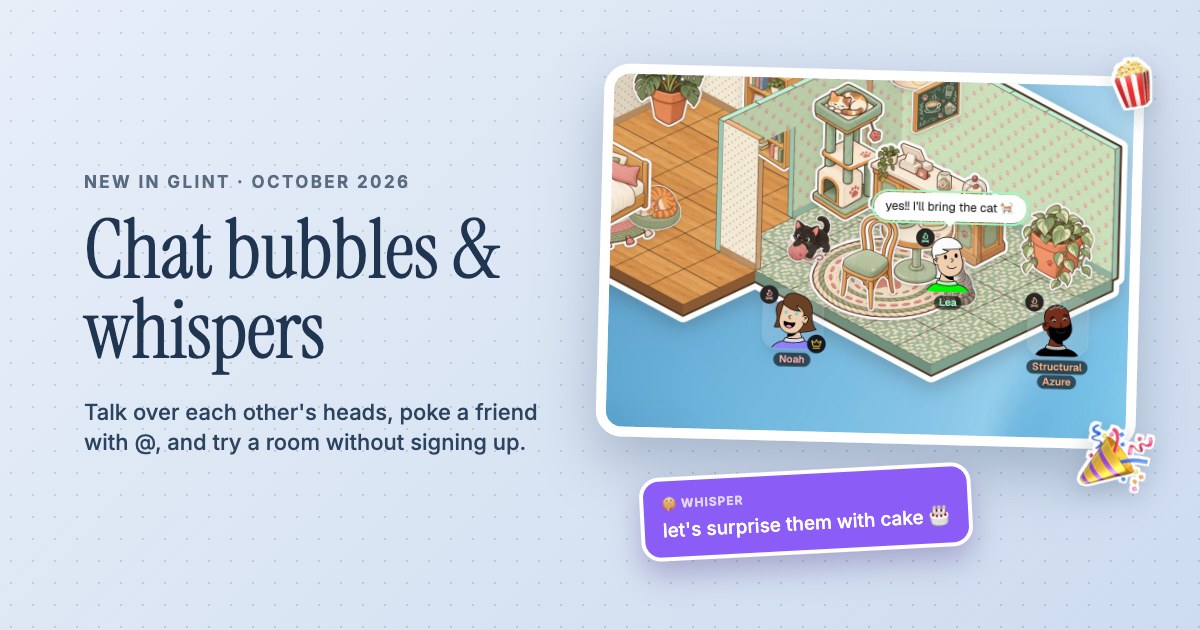
 Chat bubbles, whispers and Try it out
Build a room.Make it yours.
A bedroom, a cat café, a library for your friends. Lay a few tiles, add the little things you love and make a place to come back to.
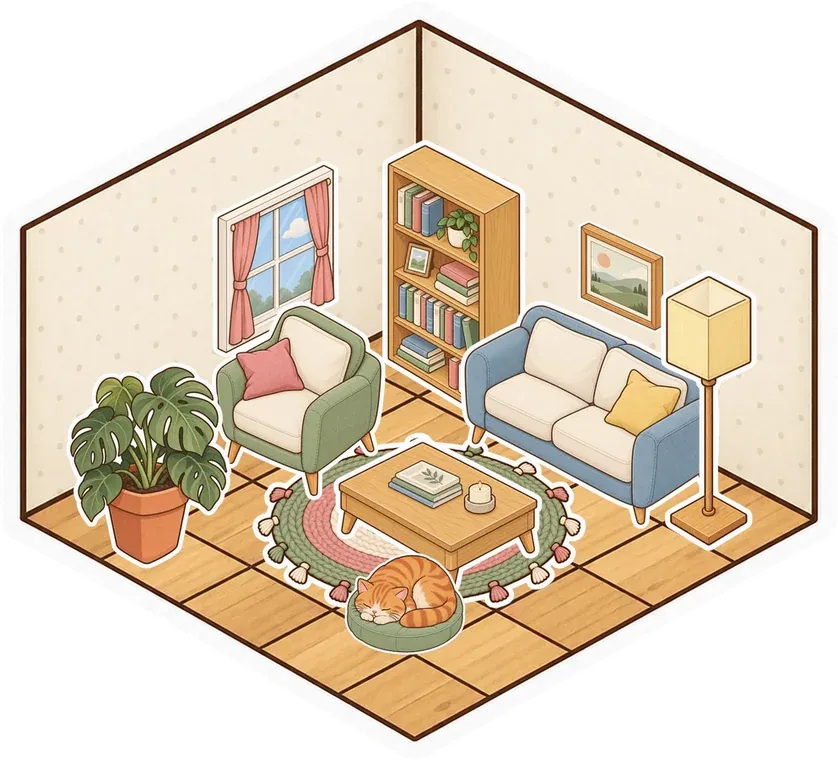

 Cozy bedroom
  Cat café
 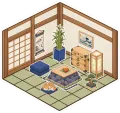 Tea room
 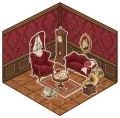 Parlour
 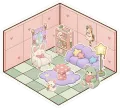 Kawaii
 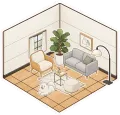 Modern
 - Build together on the same canvas
- 17 room styles to start from
- Floors, walls, doors and wallpaper
A floor tile is enough to get started
Press B to open Build, pick a block and click the grid. Add a few more tiles and your floor grows with you. Drag to lay out a larger room, or place a ready-made style when you want a head start. You can change individual tiles, paint a whole room, put up walls and choose where a doorway belongs. Everyone in the shared room sees the changes as you make them.
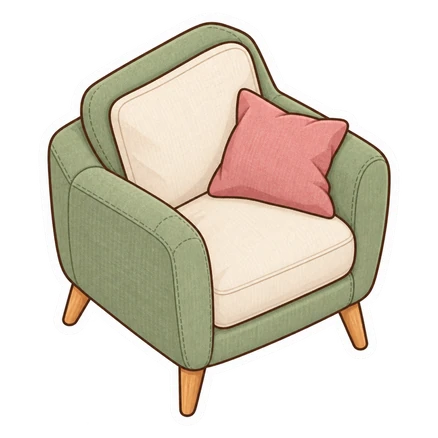
Give every corner something to do
Make a quiet library on one side and a café on the other. Hang pictures on the walls, put a note by the door and decorate with furniture from the sticker album. A room can hold the things you use together, including documents, videos and a stage. The layout is yours to arrange, so a movie corner can sit beside a study desk without hiding either behind another tab.
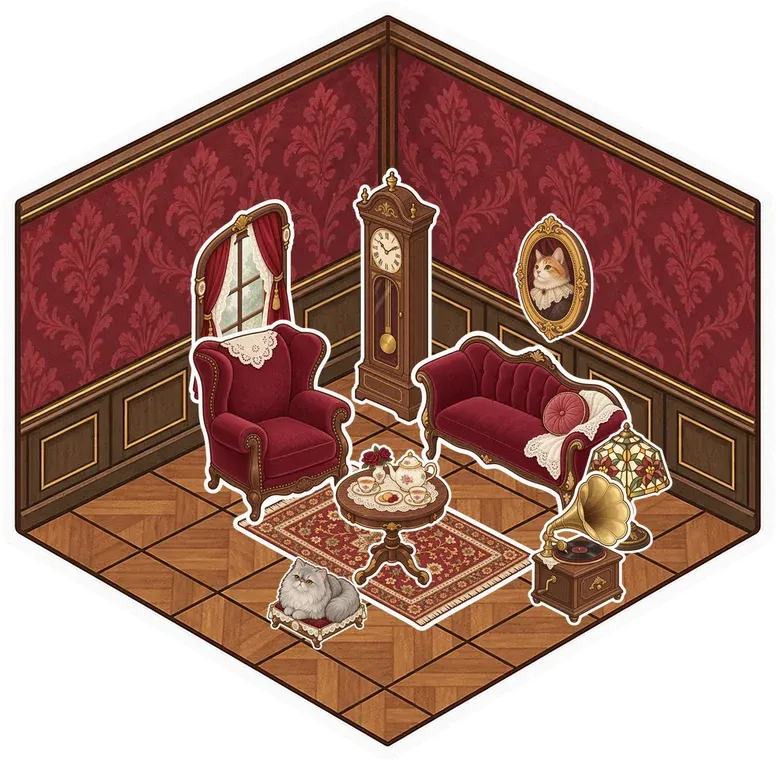
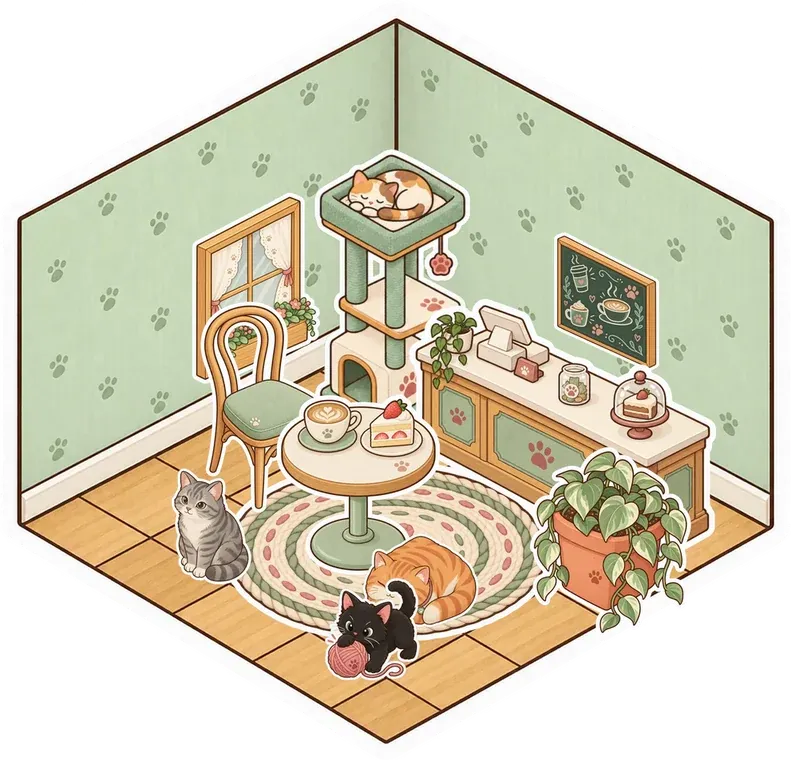
Keep building next time
A saved Glint room stays there when you leave. Come back to add another corner, move a room across the canvas or swap its floor and wallpaper. Things standing on its floor or hanging on its walls move with it. You can also save a room or a group of stickers as a set to place elsewhere. Make a free account to keep your room and share it with friends.
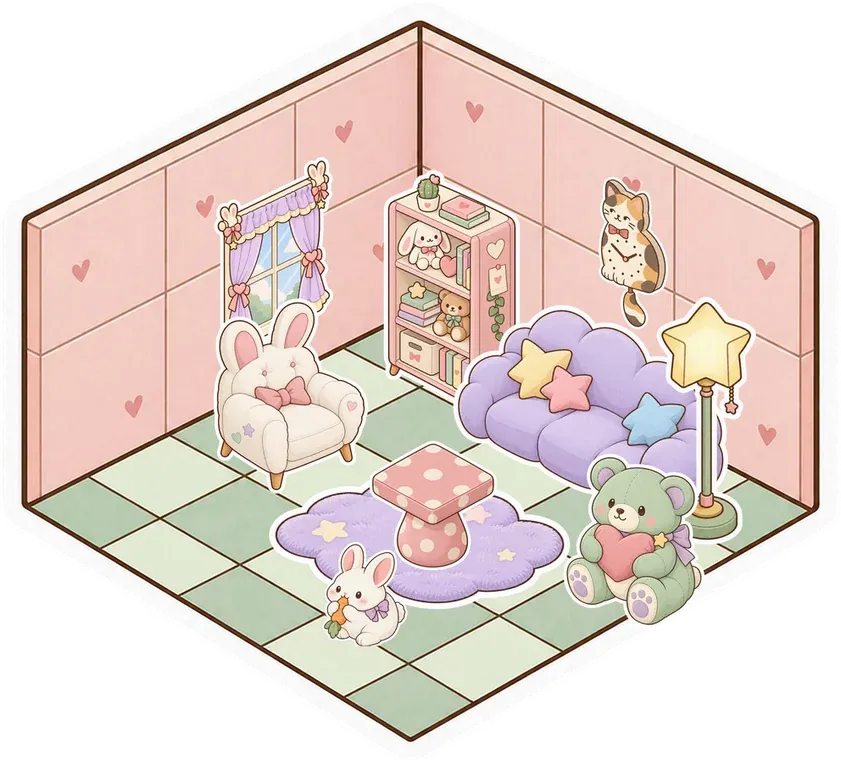


A Little Setup.
Then You're Here.
Further reading See the room builder and sticker album in action
-
Choose a starting point
Open a room and press B, or choose Build in the dock. Pick a single block for your own layout or a room style to place a finished floor.
-
Make it yours
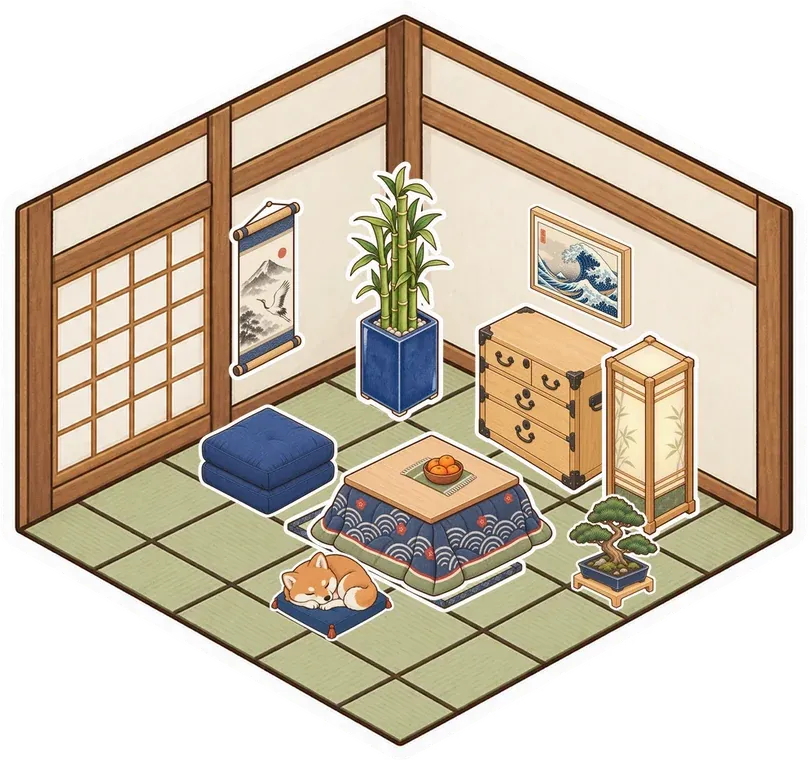
Lay the floor, add walls and decide where doors go. Paint the room, then open the sticker album for a sofa, a lamp or a sleeping cat.
-
Invite your people
Save your room with a free account. For a private room, invite friends from Manage Users. For an unlisted or public room, share its link. Keep building together and turn on your mics.
Questions
Is this a room planner for my actual home?
Glint builds virtual rooms for hanging out with people online. You arrange floors, walls and furniture on a shared canvas, rather than make measured architectural plans or shop for real furniture.
Can friends build the room with me?
Yes. Building happens on the shared room canvas. Friends in the room can add floors, walls and stickers, and you see the place change while you talk.
Can I try building without an account?
Yes. Try it out on the homepage opens a private room just for you. Press Keep this room and create a free account to save it. An unsaved try-out room is cleared after a day.
Do room styles or extra rooms cost money?
Glint is free, with no limits on rooms or members. The room builder is included. Some sticker series are optional purchases, and free stickers are available for decorating.
There's More in Here.
Explore the featuresDigital stickers
Peel furniture, plants and little characters from the sticker album. Put them on floors, walls, pictures or notes.






Shared canvas
Put notes, pictures, doodles and media side by side. Arrange a room around what you want to make together.

Online hangouts
Make a place for your group to return to. Talk, decorate, watch a video or just spend time together.



Build your first room
Make something small. Invite your people. See what it turns into.
Make your room for freeFree forever. Nothing to install.