 Friends, plans and room toys
Glint update: friends, plans and little things to do together
Add friends and see who is around, message them from any room, plan a night together with invites and reminders, and play with polls, a shared timer, a photo booth and new camera effects.
 By Mario Jankovic 5 min read
Glint is a browser app where friends build cozy rooms out of illustrated stickers and hang out in them, talking, watching things and sharing stuff. Until now, everything happened inside a room: once you left, there was nothing to bring you back to the people you met there. This update changes that. You can add friends, see who is around, message them from anywhere, plan a night together, and there are a few new things to do once you are all in the same room.
What’s new in this update?
| What | Where to find it | What it does |
|---|---|---|
| Friends | The people button at the top of any room, and your dashboard | Add friends, accept requests, share your friend link |
| Who’s online | The Friends panel | See which friends are around and join their room in one tap |
| Messages | The Friends panel | Private chats with friends that stay with you from room to room |
| Profile card | Click anyone’s avatar or name | A short bio, their home room and quick actions |
| Events | The clock at the top of a room | Plan a time, invite friends, collect RSVPs, get reminders |
| Polls and timers | Board in the bottom dock | Vote on what to do, run a shared countdown or a focus loop |
| Photo booth | Board in the bottom dock | A 3, 2, 1 for everyone, then a polaroid of the room |
| Camera effects | The sparkle next to your camera | Crowns, cat ears, a napping cat and more, plus backgrounds |
How do friends work in Glint?
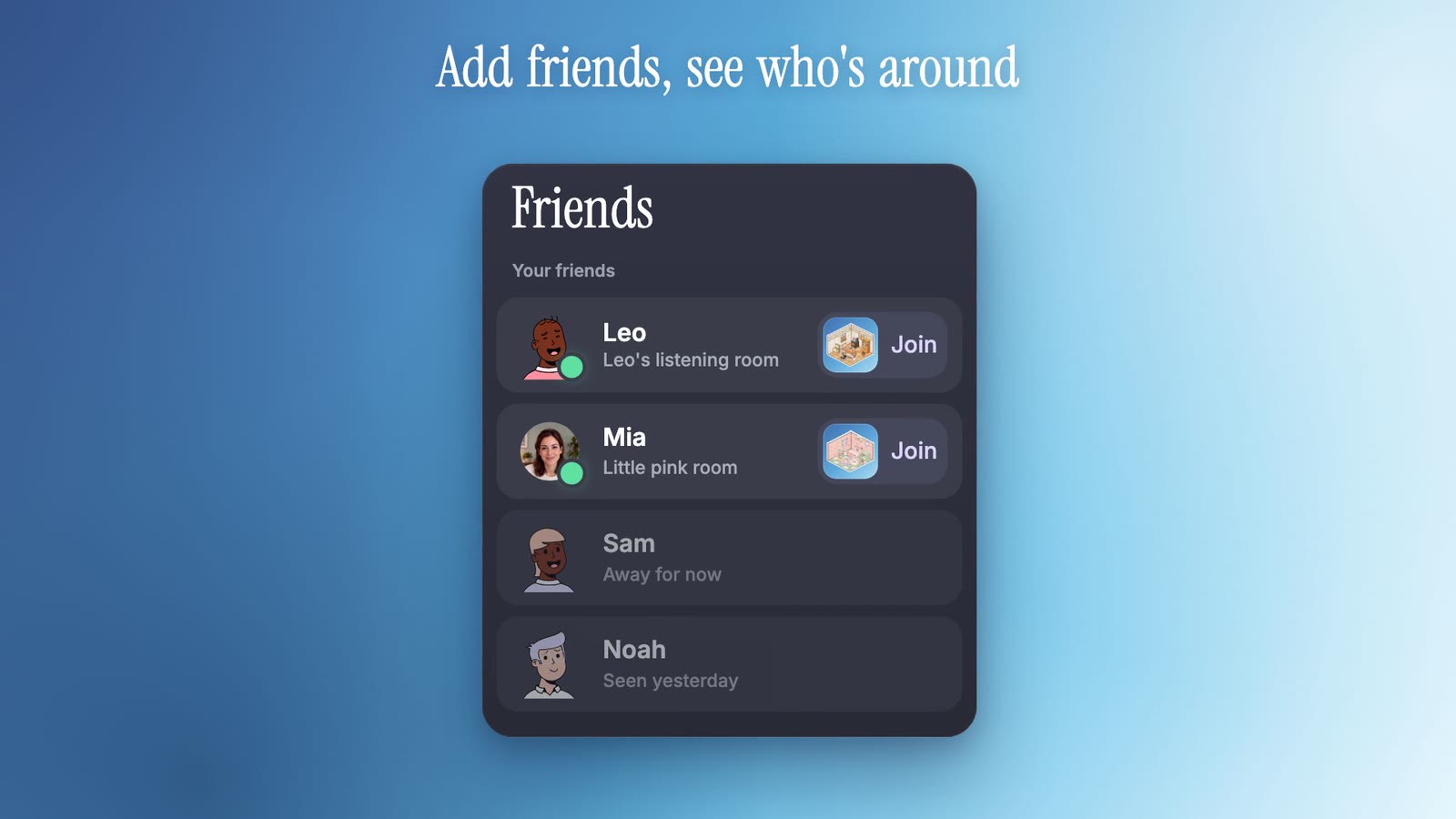
Click someone’s avatar in a room, or their name in the chat, and their profile card opens with Add friend. When they accept, you show up in each other’s Friends panel. You can also copy your own friend link from the panel and send it anywhere; whoever opens it sees your card and can add you right away.
The Friends panel shows who is online first. If a friend is in a room you could open anyway, a public room or one you are a member of, you see the room’s picture and a Join button, so getting to them takes one tap. If you would rather not be seen, turn off Show when I’m online in your settings and you will appear offline to everyone.
Can I message friends outside a room?
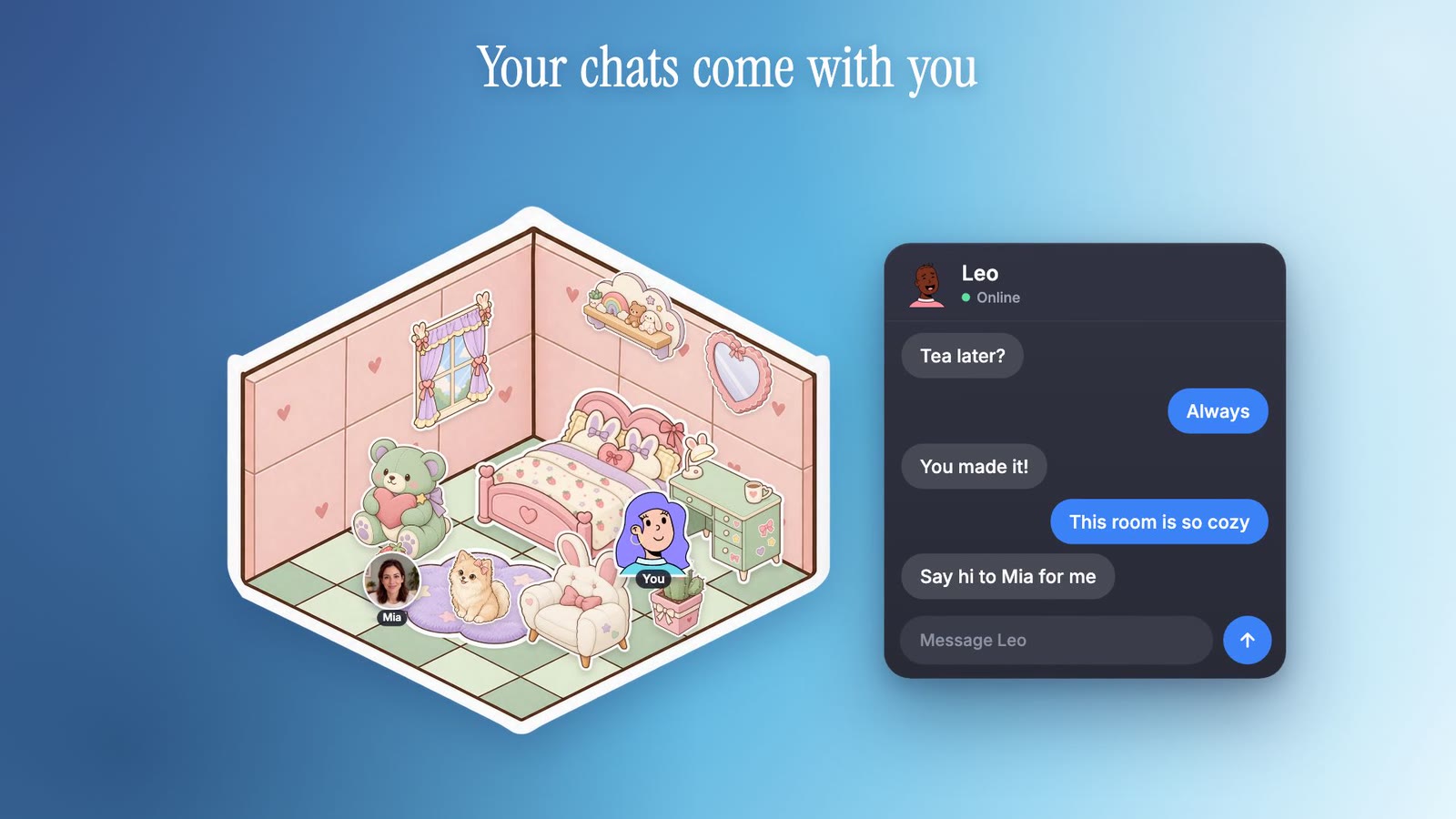
Yes. Messages live in the Friends panel and come with you from room to room, so a conversation does not end when someone leaves. You can send text, emoji and GIFs, see when your message was seen, and delete your own messages. Only friends can message each other, and blocking someone ends the conversation both ways. If something is not okay, you can report a message right from the chat.
What’s on the new profile card?
A bigger look at the person: their avatar, a short bio of up to 160 characters, how long they have been on Glint, and a picture of their home room with Visit room when you are allowed in. From the card you can message them, add or remove them as a friend, or report and block. You can write your own bio in your profile settings.
How do I plan a hangout with friends?
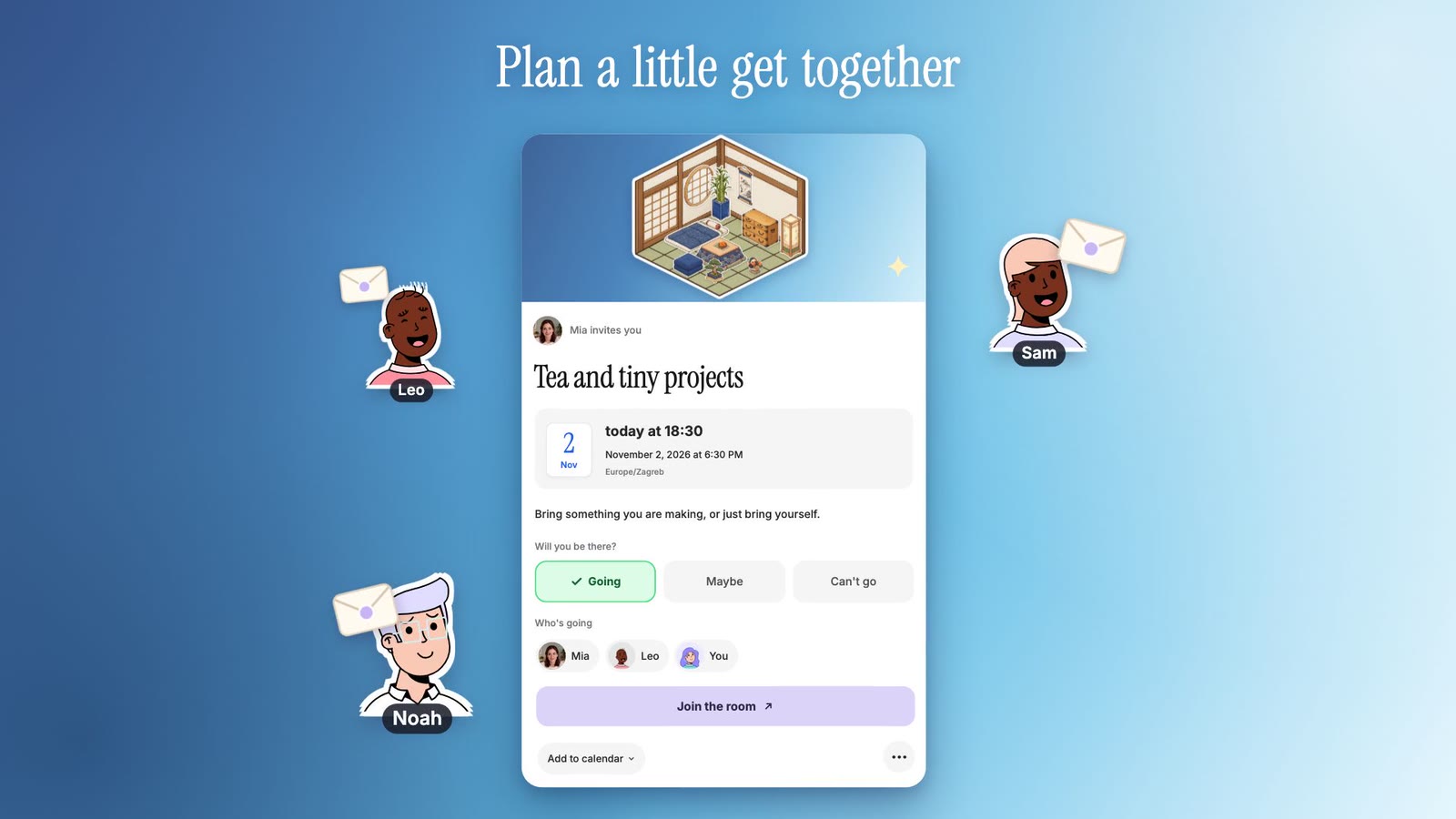
Open the clock at the top of a room and choose to plan an event. Give it a name, pick a day and time, add a note if you like, and invite friends. Everyone gets an invitation with the room’s picture, sees the time in their own time zone, and answers Going, Maybe or Can’t go. You can also copy the event link and send it in WhatsApp, Discord or anywhere else; it shows a proper invitation card in the chat.
People who are going or maybe going get a reminder an hour before and a nudge when it starts, with a button that takes them straight into the room. The invitation also has Add to calendar for Apple, Google and Outlook. Your upcoming events sit at the top of your dashboard, and you can turn reminder emails off in your settings.
What are polls, timers and the photo booth?
Three small things to do together, all in Board in the bottom dock:
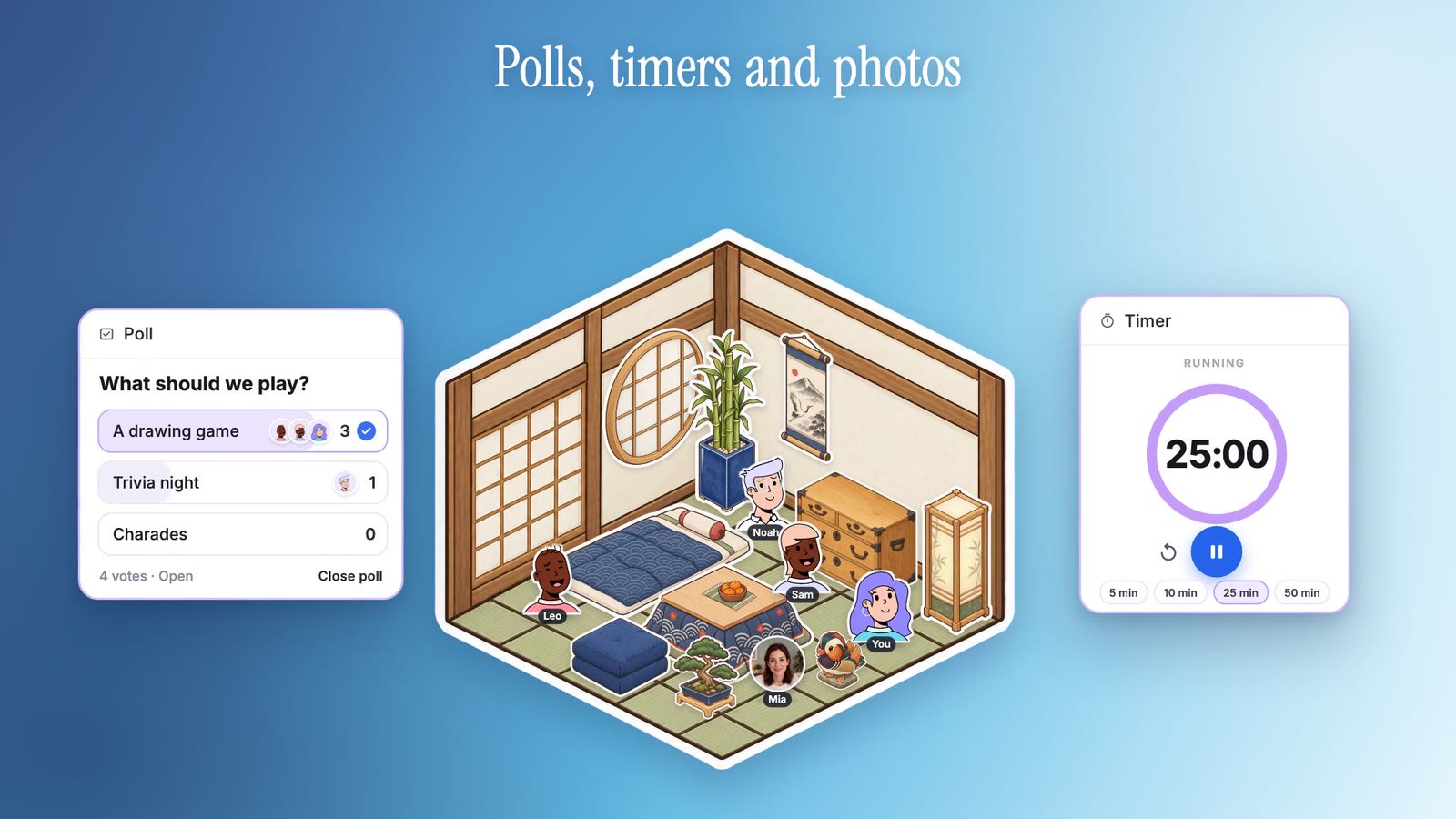
- Polls: ask the room something with two to six answers. Everyone votes, guests included, and the bars fill in live with little avatars of who picked what. Close the poll when you have your answer.
- Timers: pick 5, 10 or 25 minutes, your own time, or a 25 and 5 focus loop for studying together. The countdown is the same for everyone in the room, and a soft chime plays when it ends.
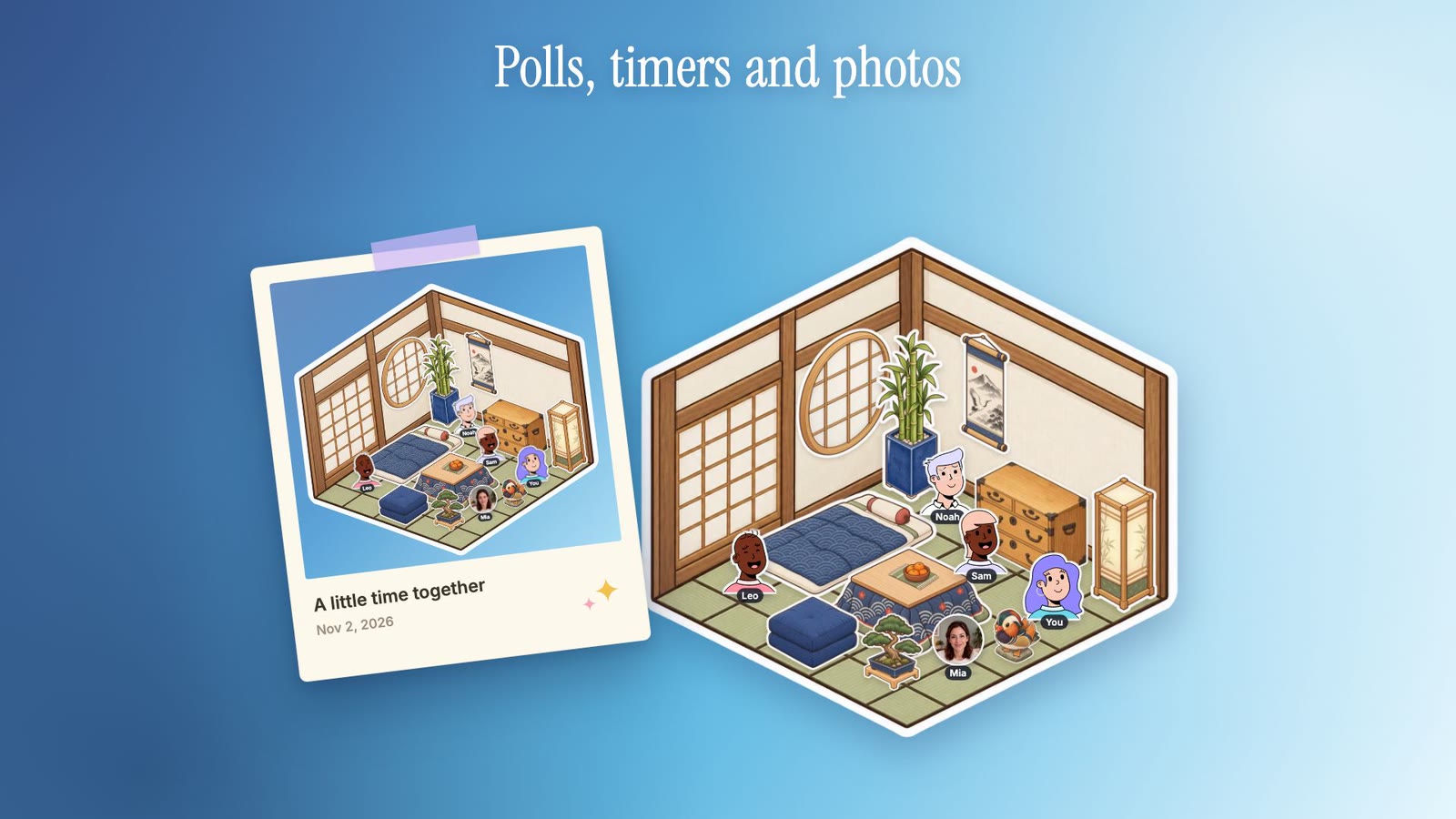
- Photo booth: press it and everyone in the room sees a 3, 2, 1, then a polaroid of your room, with everyone in it, drops onto the board for anyone to save.
What camera effects can I use?
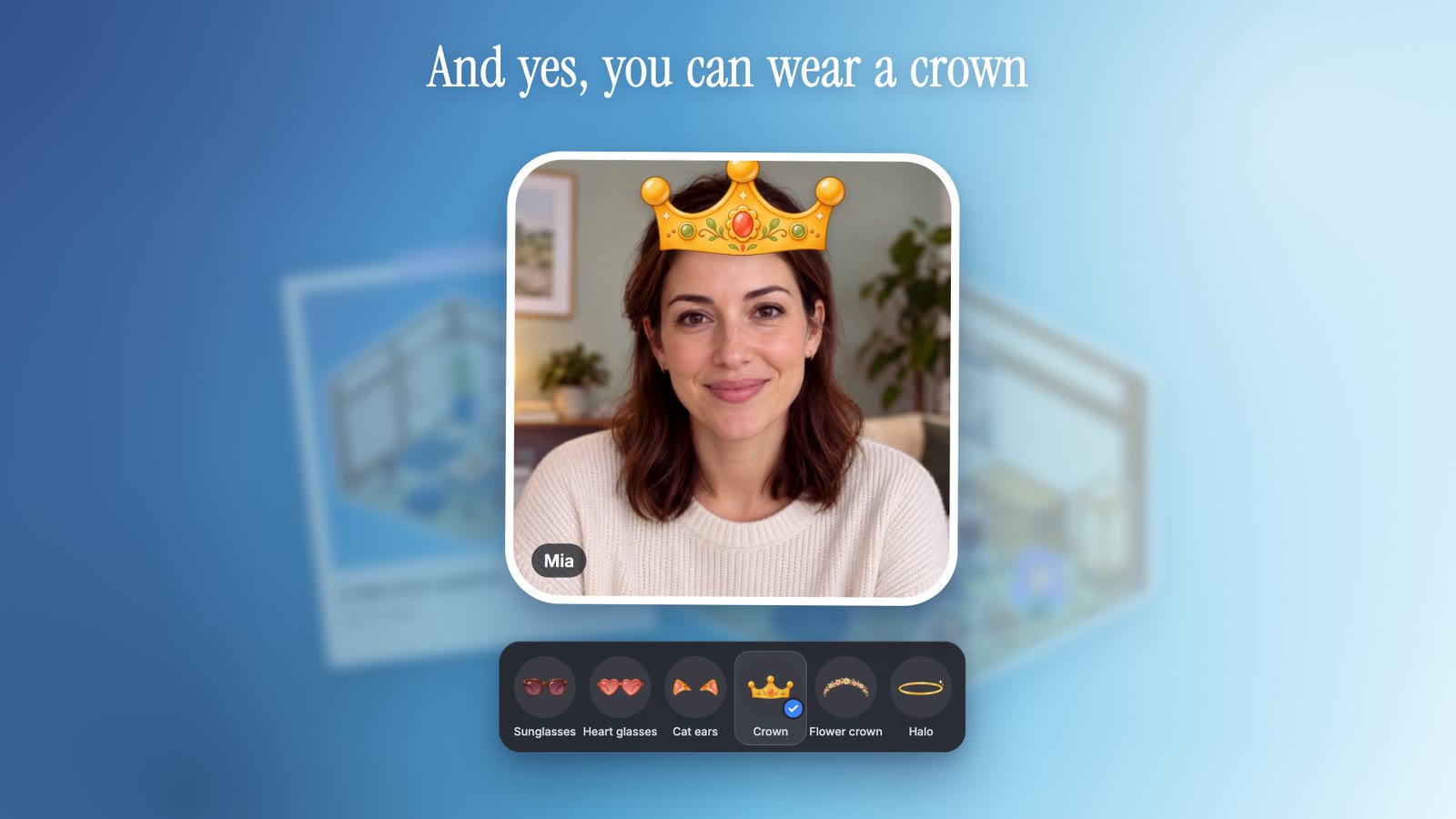
Turn on your camera and press the sparkle next to it. You get a live preview of yourself and two tabs. Effects has a crown, heart glasses, sunglasses, a flower crown, cat ears with whiskers, bunny ears, a knit beanie, headphones, a party hat, a halo, blush and a little cat napping on your head. Backgrounds can blur what is behind you or put you in one of four Glint rooms: a cottage kitchen, a Japanese room, a kawaii bedroom and a rattan living room. Everyone in the room sees your effect, and Glint remembers your choice for next time. The face tracking runs on your device, so no face data is sent anywhere.
Is this on the iPhone app too?
Everything in this update works in Glint on the web today, on computers and phones. The iPhone app gets friends, messages, events and camera effects in its next update. Polls and timers already work there in any room you visit.
Is it free?
Yes. Friends, messages, events and all the room toys are free for everyone, like the rest of Glint. Open app.glint.so, add a friend and plan something cozy.
Written by
Mario Jankovic
Mario makes Glint, a cozy browser app where friends build rooms together and hang out in them. He writes here about spending time with people you love online, and about everything new in Glint.
Reading Progress
0 min read
Keep reading

Glint update: a free Halloween series, plus dogs, ducks and geese
A free Halloween sticker series for October, 16 new pets across every series, and stickers that now sit neatly on the room grid. Here is what changed in Glint.
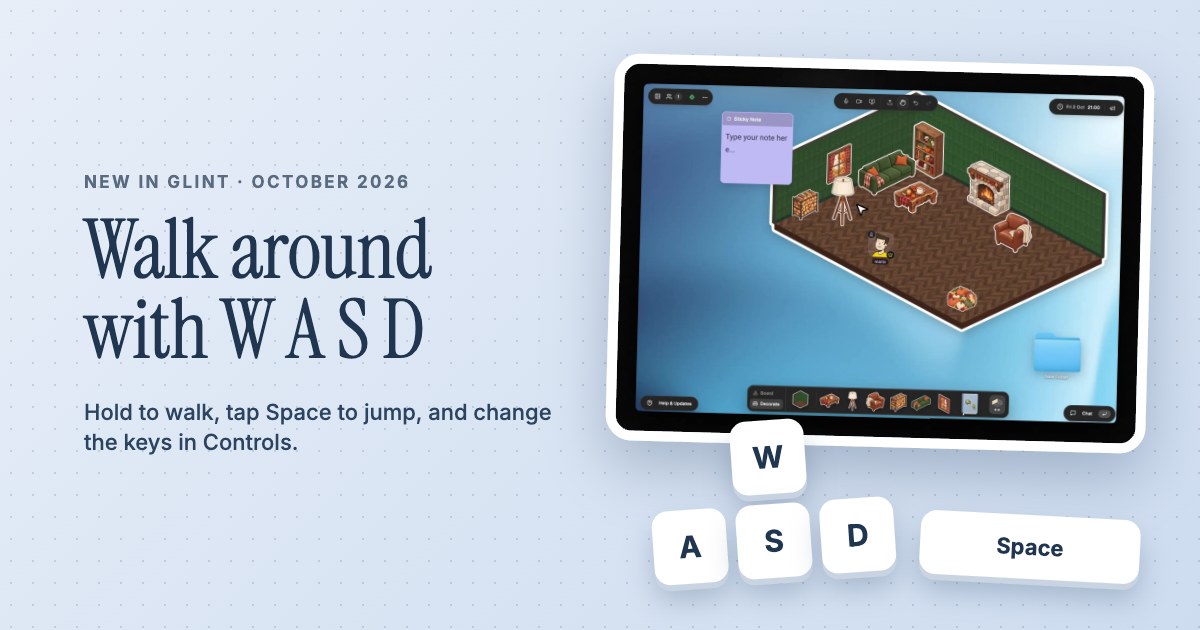
Glint update: walk around your room with W A S D, jump, and set your own keys
Walk your avatar around a Glint room with W A S D or the arrow keys, tap Space to jump, and change the keys in Controls. Plus a camera that follows you or a friend.
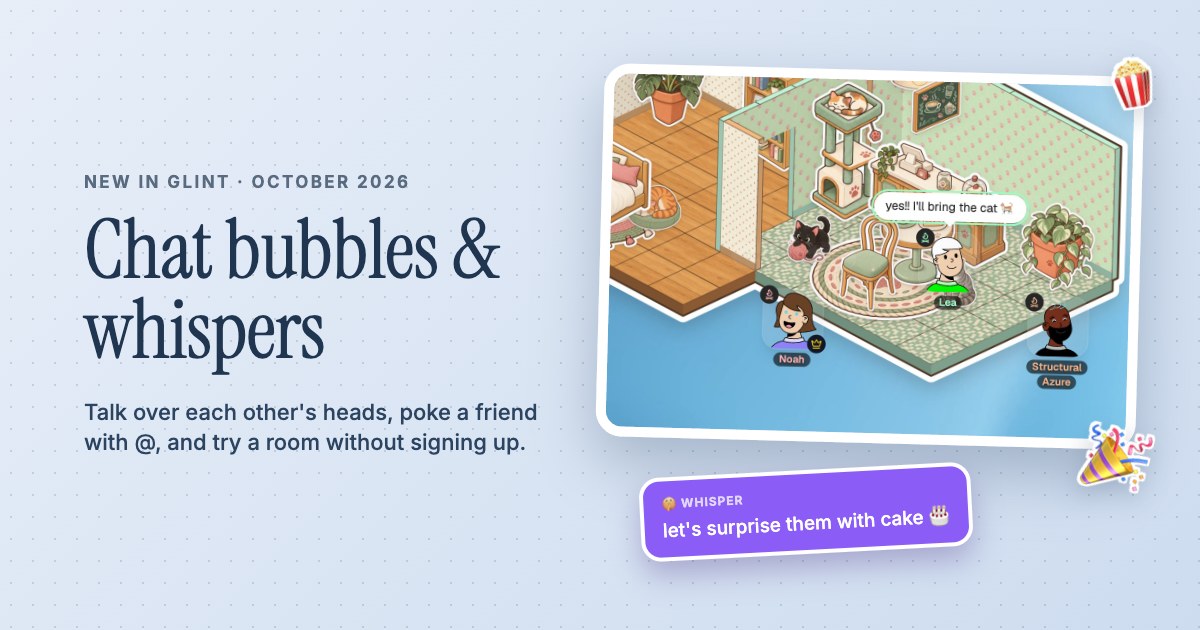
Glint update: chat bubbles over your head, whispers and a room you can try without signing up
Chat in Glint now pops up over your head, emoji burst out of you, @ pokes a friend and /w whispers to one person. See who is on a call, and try a room without an account.
Ready to try these features?
Glint is free and runs in your browser. Make a room, decorate it with stickers and invite your friends.