 Friends, plans and room toys
Glint vsGather
Pick Glint for a free room you build and decorate to hang out with friends. Pick Gather for a virtual office with team chat, calendar integration and meeting tools, especially when a work team needs the space.

 Cozy bedroom
 Cat café
 Tea room
 Parlour
 Kawaii
 Modern

By Mario Jankovic ·
We make Glint. Product and price checks: .
Glint and Gather, side by side
Compare the features that shape a hangout. Anything we could not verify is marked. Follow the numbered references to the dated sources below.
| For your hangout | Glint | Gather |
|---|---|---|
| Rooms you can decorate | Build floors, walls and doors; furnish with illustrated stickers[10] | Custom offices and desk decoration[1][8] |
| What a room looks like | An illustrated room beside a shared canvas[10][9] | A spatial office with desks and meeting areas[8] |
| Avatars | Walking avatars[9][10] | Characters moving around the office[8][5] |
| Voice and video | Voice, video, chat and screen sharing[9][13] | Office conversations, meetings and screen sharing[1][4] |
| Watch together | Synchronized YouTube on the room canvas[11] | Screen sharing; current synchronized YouTube behavior not verified[1] |
| Games and toys | Polls, shared timer, photo booth and face effects; no comparable multiplayer game catalogue[14] | External games embedded as interactive objects[5] |
| Friends and DMs | Friends, online presence and DMs with a Glint account[14] | Team channels, DMs and group messages[6] |
| Events | Events with RSVP and reminders; Glint account required[14] | Calendar connected office meetings; Classic also serves events[1][8] |
| Phone apps | Phone browsers; iPhone app coming to the App Store, not available there yet[15] | Mac and Windows apps; Gather's migration guide suggests teams that need its mobile app stay on Gather 1.0[7][8] |
| Guests without an account | Yes. Guest room links, and a trial room with no account needed[9][13] | Yes, with online member check in and a guest hour allowance[4] |
| Price | Free to use, with optional sticker packs[13] | $12 USD per member per month billed annually, or $15 monthly; 30 day trial, no ongoing free tier[1][2] |
| Files and room materials | Documents, files and folders on the shared canvas[12] | Chat attachments, office objects and meeting materials[6][5] |
Are you choosing a hangout or a virtual office?
Glint gives friends a room to build with illustrated stickers. Walk your avatar around, talk over voice or video and keep notes, files and YouTube on the canvas. Try it when spending time together is the point of the space.[10][12][11][9]
Gather 2.0 is a virtual office with team chat, calendar integration and meeting tools. Those help a work team. A casual friend group may end up paying for office features it did not need.[1][6][8]
This comparison covers the current office product. Gather Classic still serves events, so conference organizers should examine it separately. Friends meeting after dinner and companies choosing an office have different requirements.[8]






What could we enter without an account?
We visited Gather's site, pricing and downloads, then opened office creation. It sent us to sign in. We stopped without making an account. We did not test an office meeting, guest invitation or embedded game.[3][1][7]
Gather 2.0 explicitly allows guests without accounts. They check in with an online member and use the office's guest hour allowance.[4]
A free trial has 20 guest hours a month; paid plans get 3 guest hours per member, with a minimum of 30.[4]
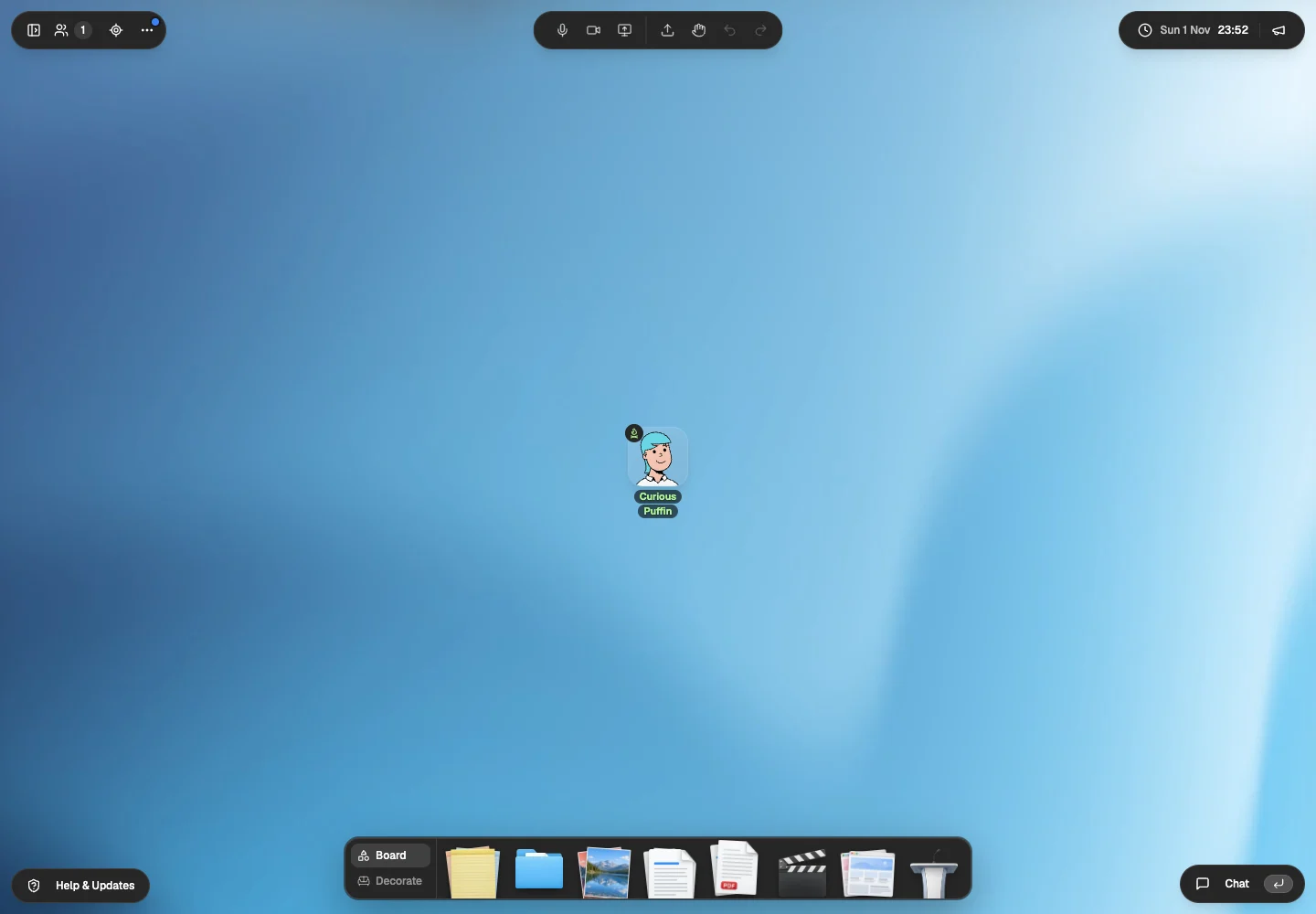
Glint's guest trial opened a room with an avatar and tools. We could inspect it without setting up an office. For a casual group, start there and see whether everyone enjoys the room.[9]
What do you get in a Glint room?
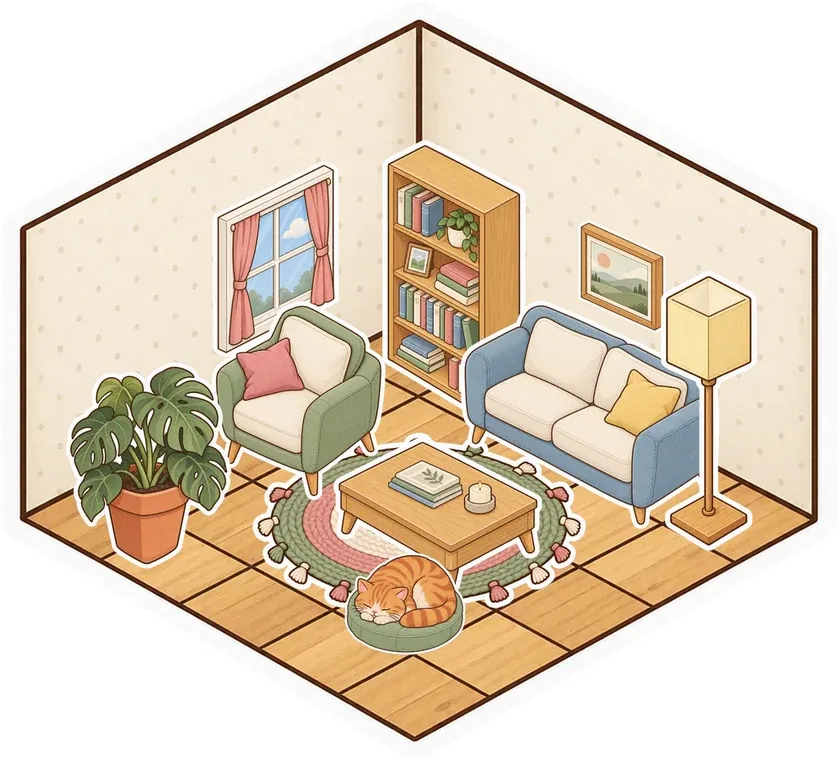
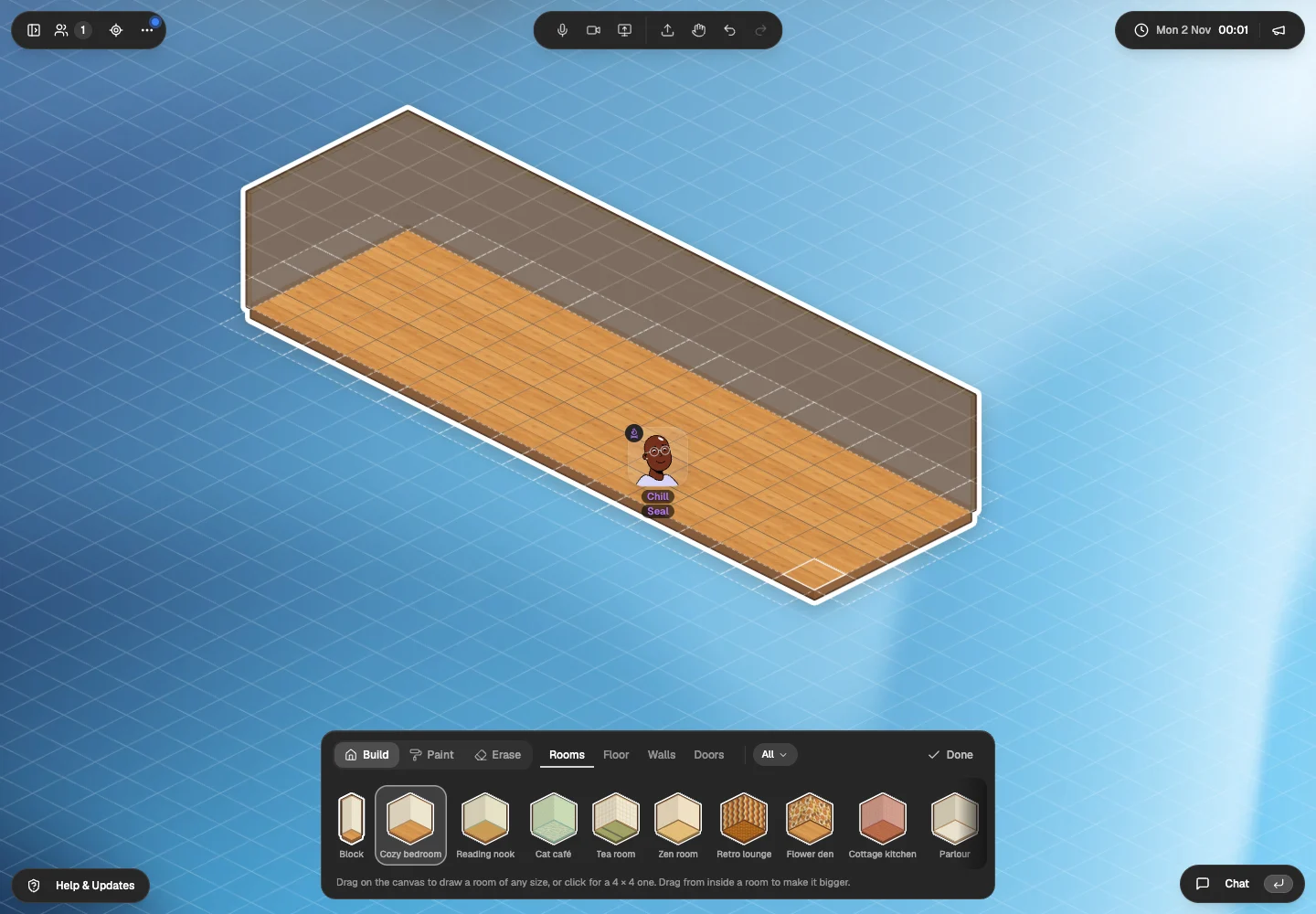
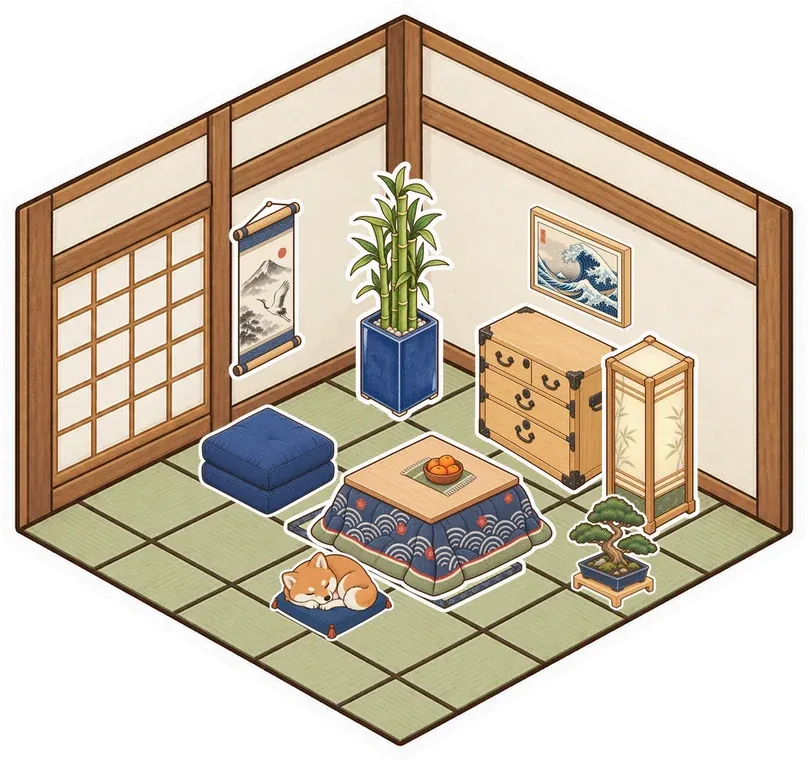
Glint's room builder and sticker album let you arrange floors and walls, furnish a corner and keep shared material nearby. Leave a document where you work, or put YouTube beside a sofa for a catch up.[10][12][11]
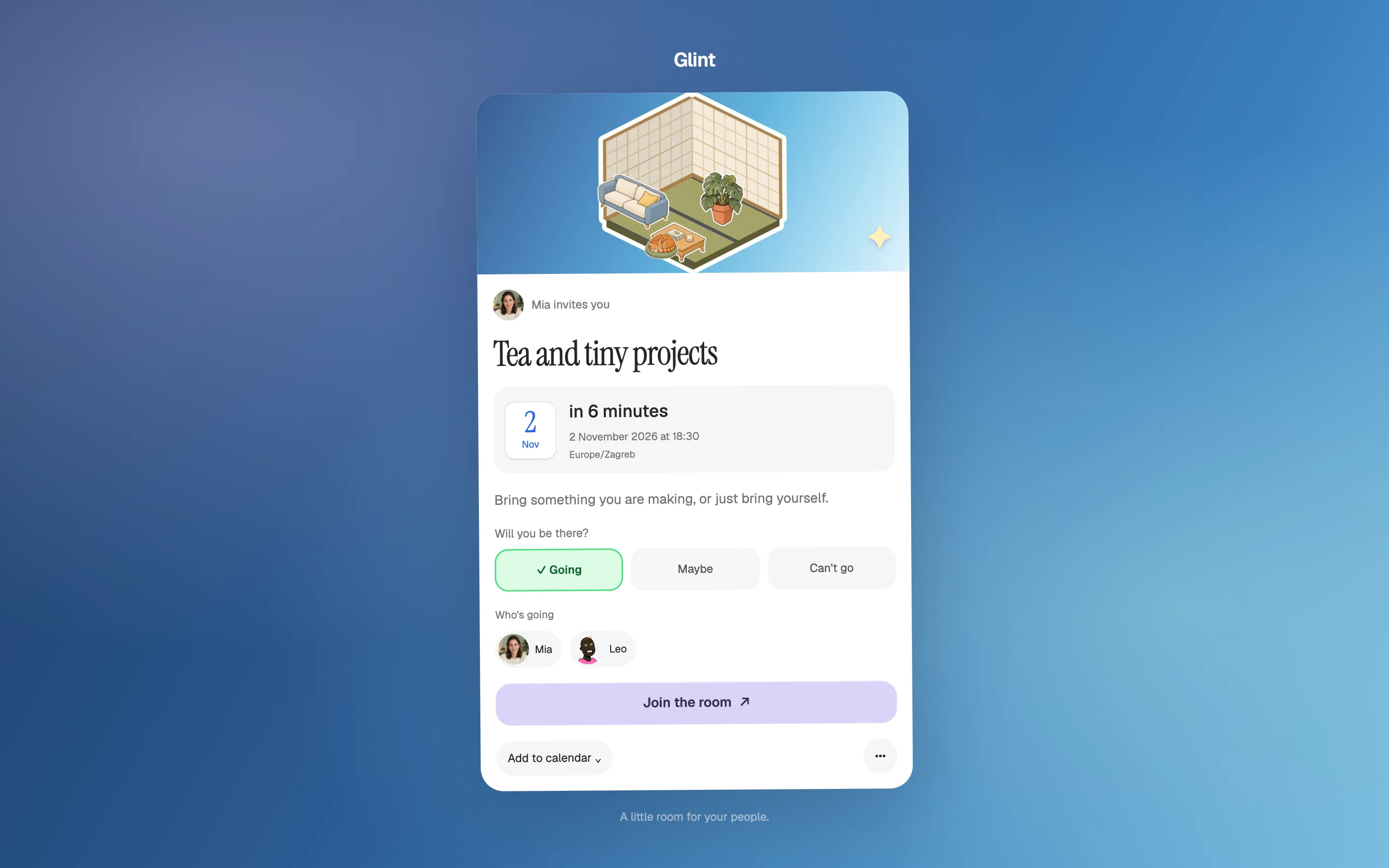
Glint has friends, online presence, DMs and events with RSVP and reminders. Use polls to choose the evening's plan or a shared timer for studying together. The photo booth and face effects give you something playful to try.[14]
Glint is free to use with optional sticker packs. Gather removed its free tier in September 2025. Its 30 day trial lets a team evaluate the office. It does not provide an ongoing free room. Compare billing cycles as well as headline rates.[13][2][1]

When does Gather make more sense?
Choose Gather for integrated office meetings, calendar connections and team communication. It also documents embedded games for social breaks. We do not offer Glint here as an equivalent office administration or meeting recording system.[1][6][5]
If your team uses a paid Gather office, try Glint separately for a social session before moving everyone. For a larger event, check Gather Classic's options. This comparison covers the office product.[8]
How do you move a casual Gather group?
List the things you use
Separate the hangout from any work meetings or office integrations you need. Keep a tool for each requirement the new room does not cover.
Build a familiar meeting spot
Try a Glint room style and illustrated furniture stickers. Recreate a small corner and bring your own notes and links. Glint has no Gather map importer.
Run one ordinary session
Invite your friends through the room link. Try a quiet study session or a YouTube catch up, then choose where to meet again.
Glint has no importer. Bring your own material and rebuild the room. More context: Other free Gather alternatives and their limits. Guest invitations and room tools are described in our Glint sources.
Questions about Glint and Gather
Is Gather still free?
Gather ended its free tier on September 15, 2025. Its current office offering has a 30 day trial. Glint is free to use, with optional sticker packs.[2][1][13]
How much does Gather cost?
On November 1, 2026, the Essential office rate was $12 USD per member per month billed annually, or $15 billed monthly. Check the current plan before subscribing.[1][2]
Can Gather guests join without an account?
Yes. Gather 2.0 guests check in with an online member and use the office's guest hour allowance. We verified the documentation, not a live invitation.[4]
How we checked this comparison
We tried the public entry routes in Chrome on November 1, 2026. A separate fact check revisited the official pages and entry routes on November 2. We did not create competitor accounts or log in.
Our Glint images show the guest trial, a room we built on November 2 and separate release captures with test accounts. We did not test physical phones or compare call quality.
- Gather office pricingCurrent Essential plan, annual billing and trial. Checked November 2, 2026.
- Gather's pricing changesOfficial removal of the free tier and monthly versus yearly rates. Checked November 2, 2026.
- Gather office creationOur unsigned visit redirected to sign in. We stopped before account creation. Checked November 2, 2026.
- Gather 2.0 guest accessAccount free guests, member check in and guest hour allowance. Checked November 2, 2026.
- Gather 2.0 embedded gamesExternal game objects and embedding requirements. Checked November 2, 2026.
- Gather 2.0 chatChannels, DMs, group messages and temporary nearby chat. Checked November 2, 2026.
- Gather downloadsCurrent Mac and Windows downloads. Phone hangouts not verified. Checked November 2, 2026.
- Gather migration and versionsCurrent office focus, customization and Classic events context. Checked November 2, 2026.
- Our Glint guest trialWe entered without an account on November 1, then opened the room builder on November 2. The screenshots below record the avatar and Board tools we inspected. Checked November 2, 2026.
- Glint room builder and illustrated stickersOur public room builder guide and guest room capture. The sticker album is also described at /features/digital-stickers. Checked November 2, 2026.
- Glint synchronized YouTubeOur public product guide describes synchronized YouTube. We did not measure playback across two guest devices in this comparison. Checked November 2, 2026.
- Glint folders and filesOur public files guide. The guest visit showed Folder, Document, PDF and upload controls. Checked November 2, 2026.
- Glint terms and free accessFree room creation, invitations, chat and calling, with optional sticker packs. Checked November 2, 2026.
- Glint friends, events and room toysWe make Glint. Friends, online presence, DMs, events with RSVP and reminders, polls, a shared timer, a photo booth and face effects are part of our November 2026 release. Friends, DMs and events need a Glint account. The captures on this page come from our release check. Checked November 2, 2026.
- Glint browser access and iPhone statusGlint works in phone browsers. The iPhone app is coming to the App Store and is not available there yet. We did not test a physical phone for this comparison. Checked November 2, 2026.

Make a little place for your people.
Open the guest room. Build a corner and see whether you want to return.
Try Glint with no accountFree to use. Optional sticker packs.